
This is a scratchpad for jotting down the various design rules I use, mostly as I run across violations.
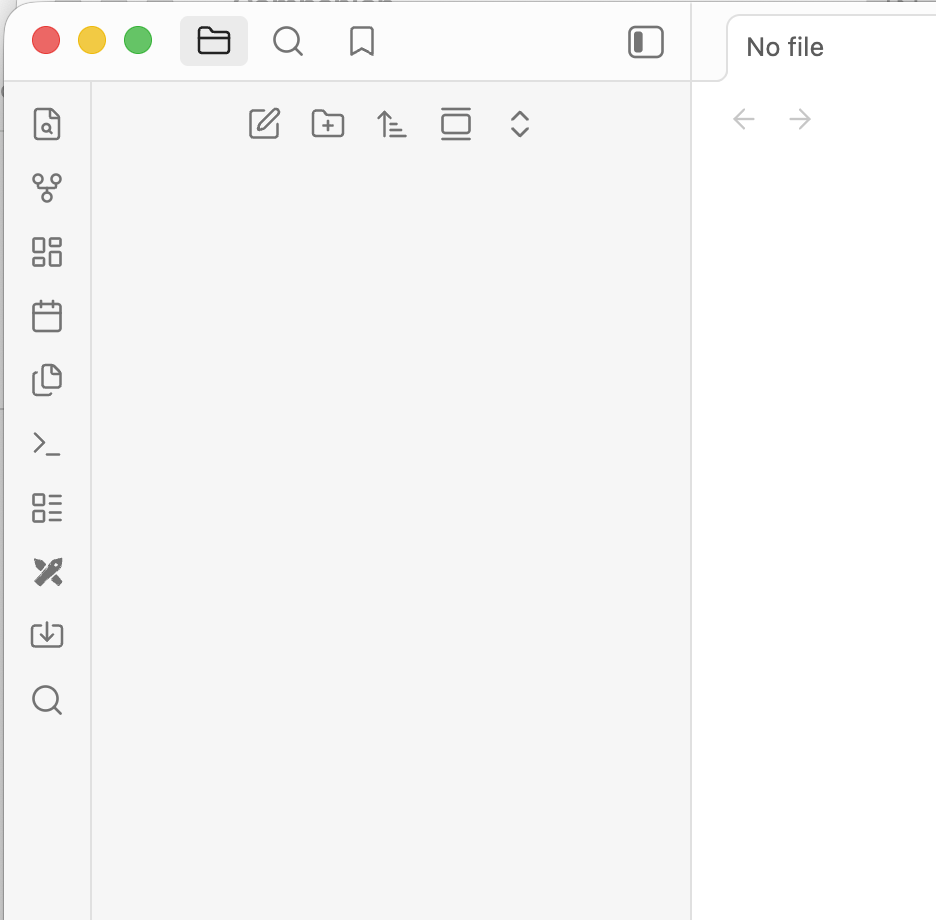
1. No making people read hieroglyphics for core functionality
Somewhere along the way, a lot of people picked up on Steve Jobs's worst idea and ran with it: User interfaces should emphasize looking like something that would look "cool" in a movie, rather than focus on usability. Icons, which were originally meant as a visual cue to help you quickly distinguish functions without having to read text, became monochrome, uniform, abstract, unhelpfully difficult to distinguish from each other, and descriptive text went away so you couldn't know at a glance what they did, leading to millions of man-hours wasted mousing over 20 buttons in a row trying to figure out which one was the "import" button. As a design language, icons went from unique and identifiable to the visual equivalent of mud, and then they hid the one thing that could help you tell apart these now-uniform elements.
And, yes, I do use unlabeled icons right on this very site, in the little "Kupietools" tabs along the left edge of the screen, which you must mouseover to see a text label for. That's because they're a small number fun little optional add-ons. Notice my menus are all text, and on the front page "hero" sections (the featured articles), every category does have an icon... right next to a text label saying what it is, like "Writing" or "Site info". That's the way you do it.
It's fine in moderation, as long as you're not making people hunt, 100% of the time, for every important function that they need.
2. Never make light of inconveniencing the user, or their annoyance at same.
Never do this. Just never fucking do it.
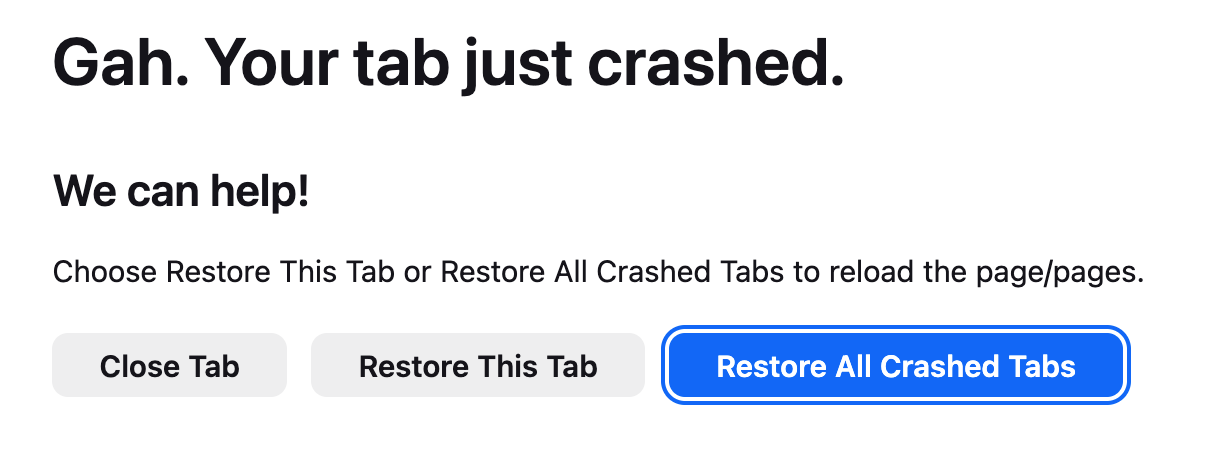
You are making a program. It is software. It is not my friend. Put less time into coming up with "cute" things to say like "Gah!" and more time into MAKING YOUR BROWSER NOT CRASH.
3. Don't require signing up for an account on a thid-party server to run local software on your own machine or local network.
Never do this either.
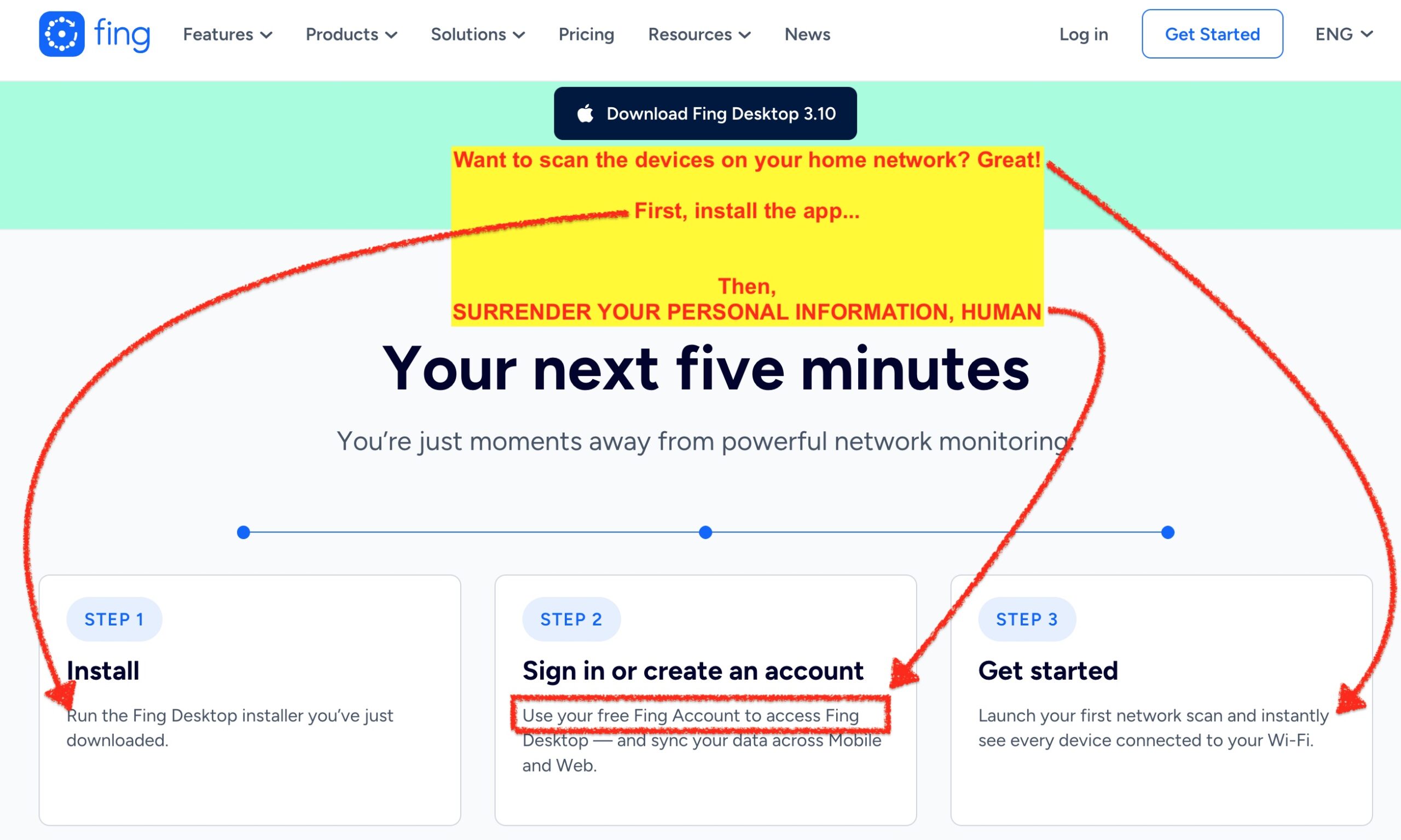
That's right, this is a "free" network scanner that requires you to sign up with an account on their cloud server to use your local computer to see what's on your local network.