Creative Productions, Arrangements and Operations • Art, Technology and Amusements. Software Engineer and certified FileMaker Pro developer and full-stack web developer by day, https//www.kupietz.com
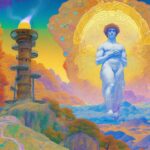
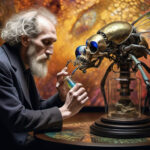
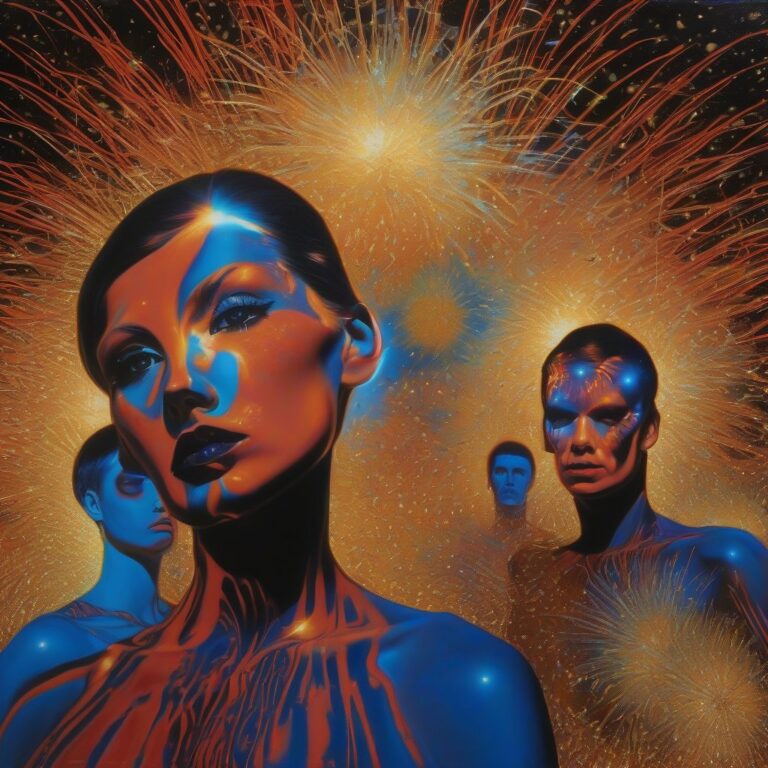
I had a lot of leftover images from the Fireworks Studies gallery that I had to cut out to keep the album focused, but which I liked a little too much to just let languish on my hard driver... a bunch of images that came out more figurative, plus some more fireworks landscapes and abstracts that didn't make the cut of the main album but which I still liked.
Fireworks FigurativesSome extra fireworks image leftovers
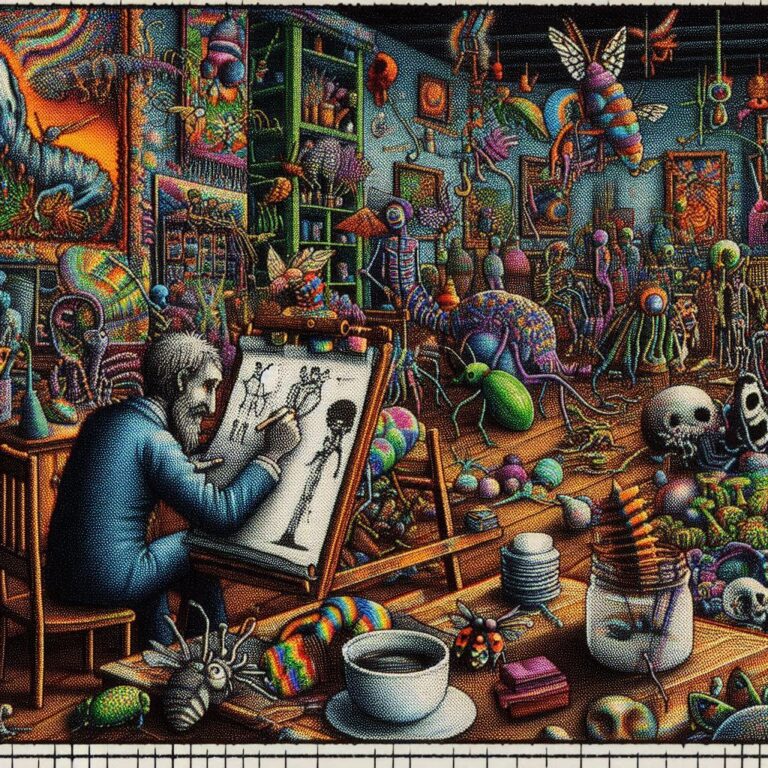
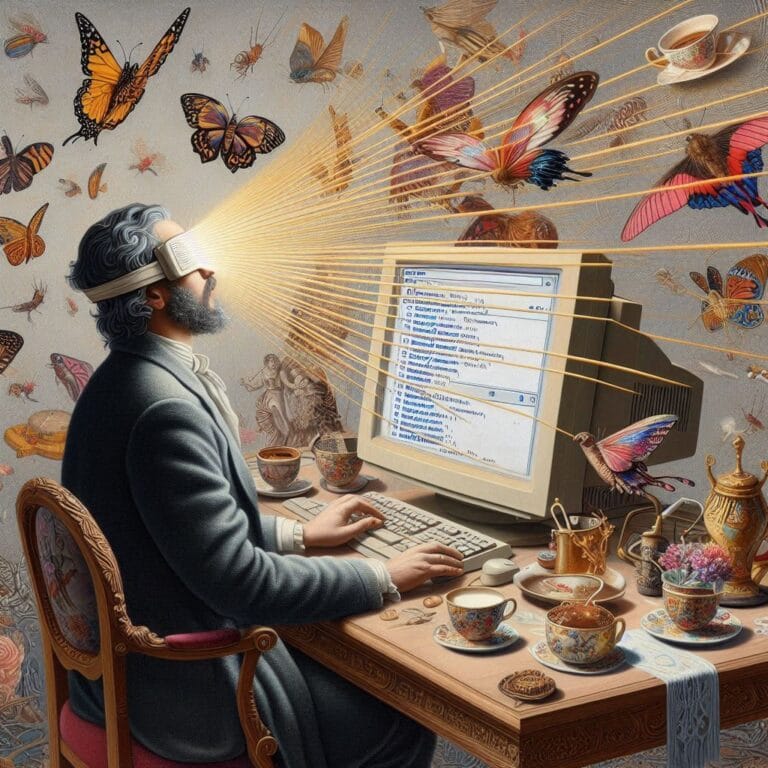
These were some illustrations I whipped up trying to come up with a header image for an article I wrote on LinkedIn asking about people's real-life experiences with using AI tools.
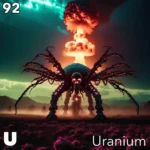
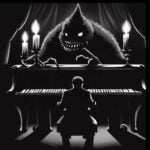
As usual, when doing my gallery for #SaturdayMonsterChallenge — "Winter Monster", there were a ton of images left over that I liked but didn't make the cut, or weren't quite unique enough, or didn't fit the theme. There are those.
Working on the #SaturdayMonsterChallenge "A Connecticut Sasquatch In King Arthur's Court" I created a lot of extra images that I liked a lot, but which either didn't fit the theme quite right, or were too similar to others, or too different. Here are some of those.
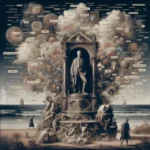
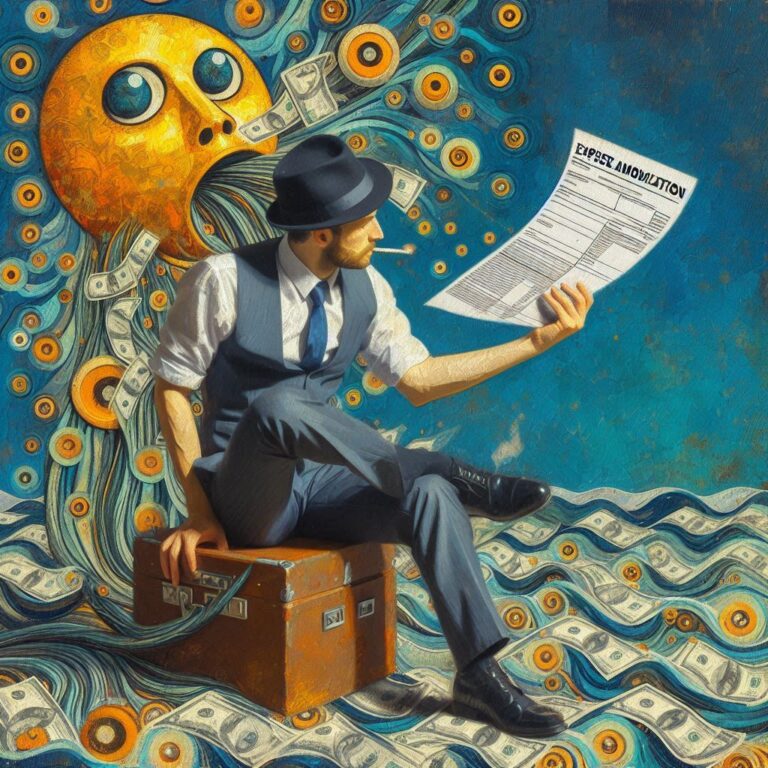
Working on a featured image for my writeup on How the Section 174 Tax Code Changes Caused a White-Collar Job Crash, I tried to create an artistic representation of tech businesses being crushed under tax code changes. Along the way, I generated some striking images that didn't quite fit what I wanted for the post, but which I nonetheless liked enough to tuck away in this gallery of leftovers. Here's the also-ran images for that article.
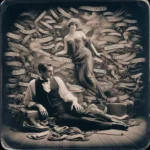
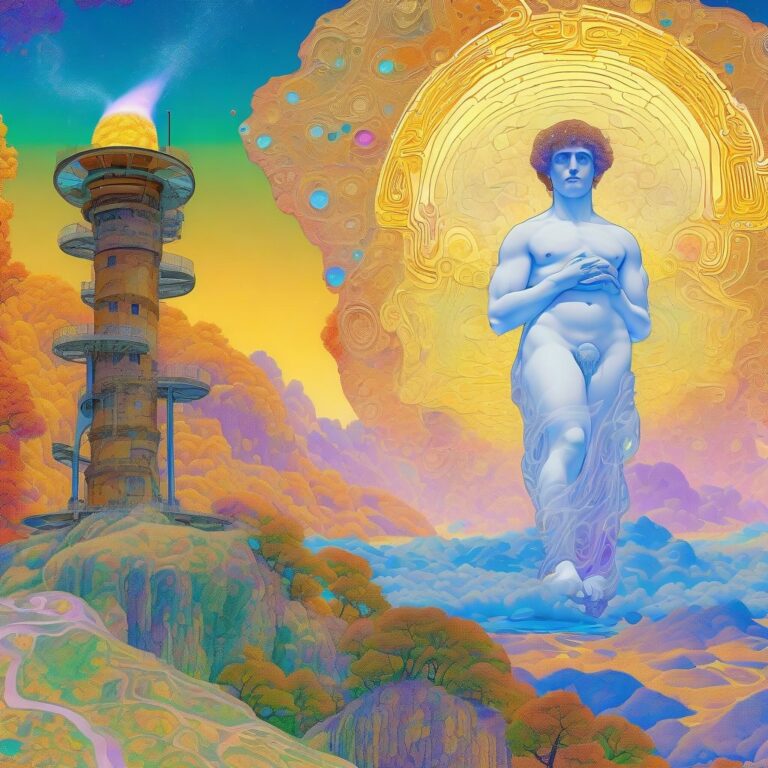
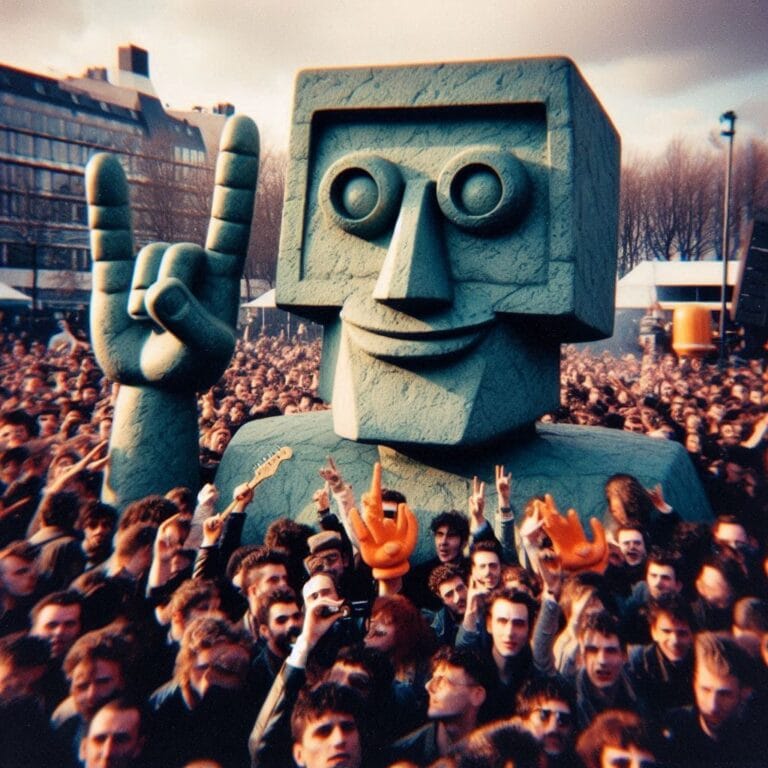
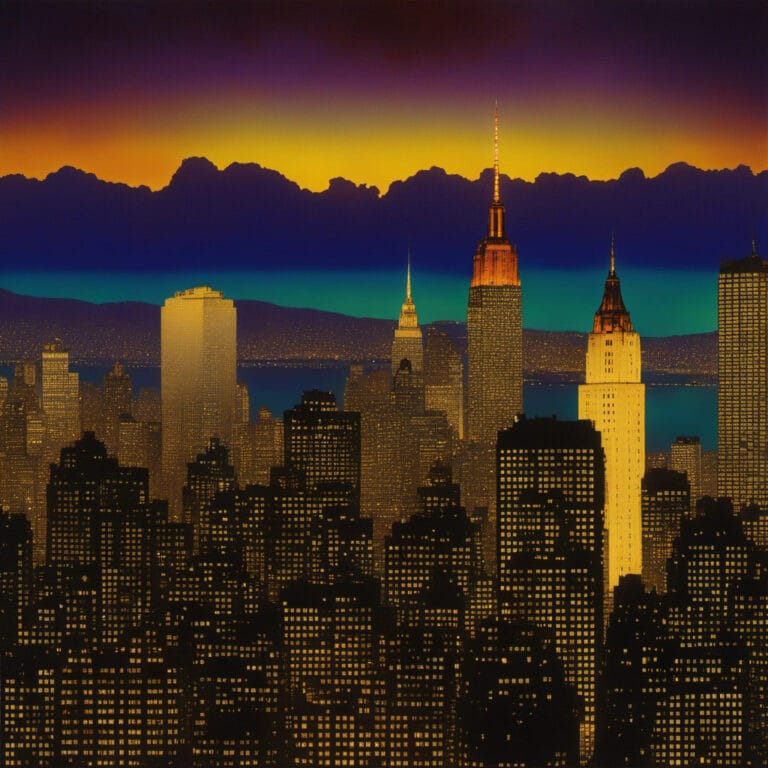
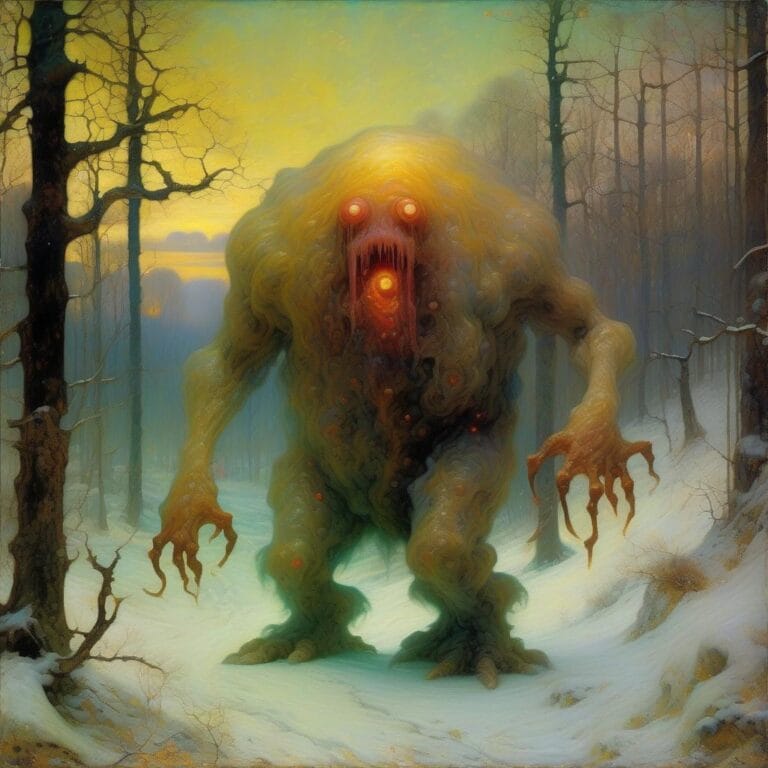
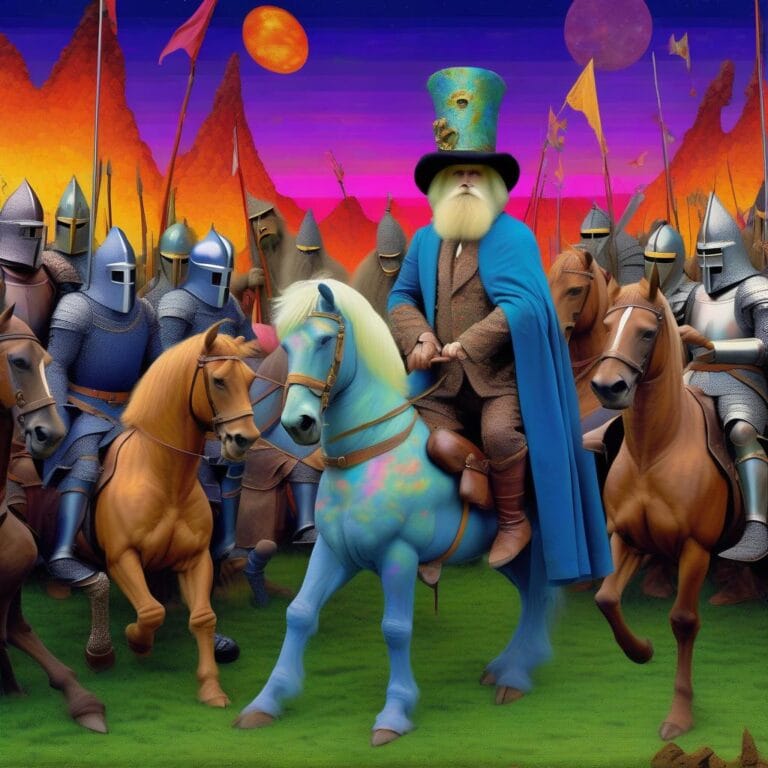
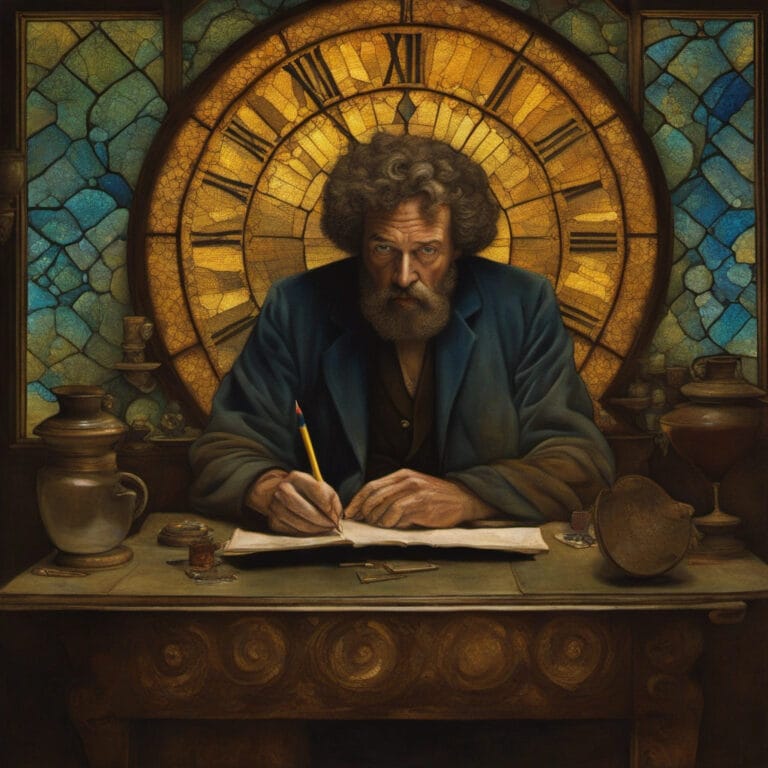
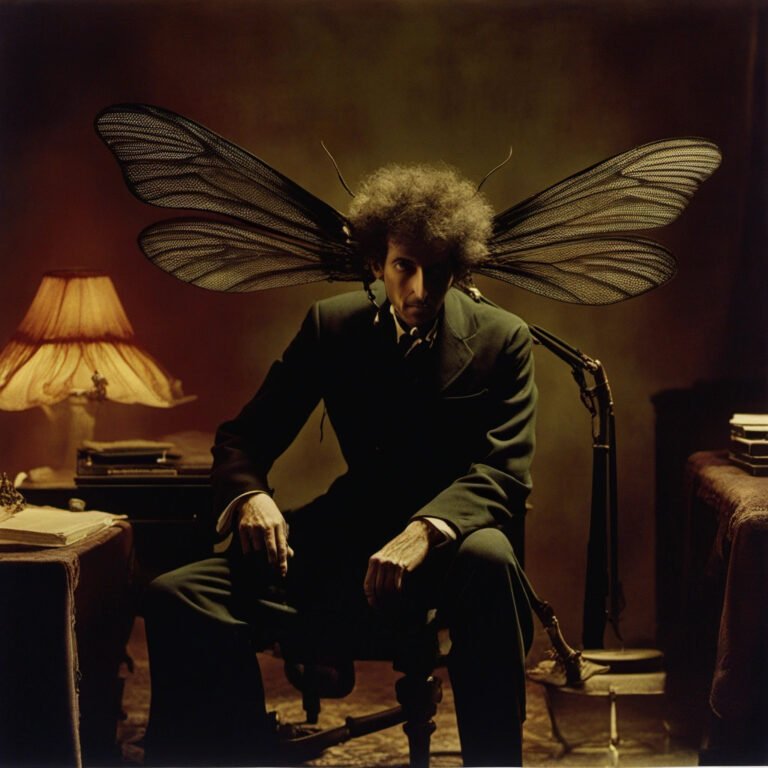
As I worked on my "Revisions Of Johanna" project, I generated a lot of images I really liked, but which didn't fit into the final project. I decided the best of them deserved their own gallery.
This page is a work in progress, I just kind of threw it up to get me started. I have plenty more images to sort through from this, plus I need to pare down these already posted ones to just the most interesting ones. But, still, you can get a good sense of what went on behind the scenes here, and hopefully, an understanding of why I didn't just want these putative rejects to sit unused forever on my hard drive.
One additional note about the content of these images in the context of social awareness: For anyone interested, I addressed some thoughts about sexism and bias in…
For confused first-time visitors and other people still acclimating, here is a description of these little tabs to the left, as well as some other features of the site.
Open "Expert Mode" CLI Navigation - this give you the option to switch your browser's display to an old-fashioned terminal mode where you may browse this site, view pages and images by typing text commands. Just like how we used to browse the web back in 1978!
Open Visual Settings - This gives you controls to customize the visual display of this website to your liking: turn up or down the brightness, contrast, color temperature, hue, saturation, dark mode, and earthquake. Settings are saved per browser tab, so they will be remembered for your whole visit.
Open My Eyes - Have you ever been engrossed in your work, when you suddenly realize someone is staring at your screen, watching everything you do over your shoulder? If not, this simulates the experience.
Open Help - This help popup, silly! You just clicked it! Do you not remember?
New - Draggable elements! Several elements on this website, including these tabs, this popup message, and the "Hire Mike" badge in the lower right, can be dragged around with your mouse, to avoid them blocking content. Positions are remembered per tab, so as you navigate around the site, they will stay in the same place for your whole visit.
Enjoy!
CLI Website Navigation
Are you sure you want to switch to viewing this website in the "expert mode" command-line interface?
This will switch to a terminal emulator, load this page, and allow you to browse this website and view its contents by typing text commands.
Plus there might be, y'know, some fun stuff hidden in there. Just for geeks.











































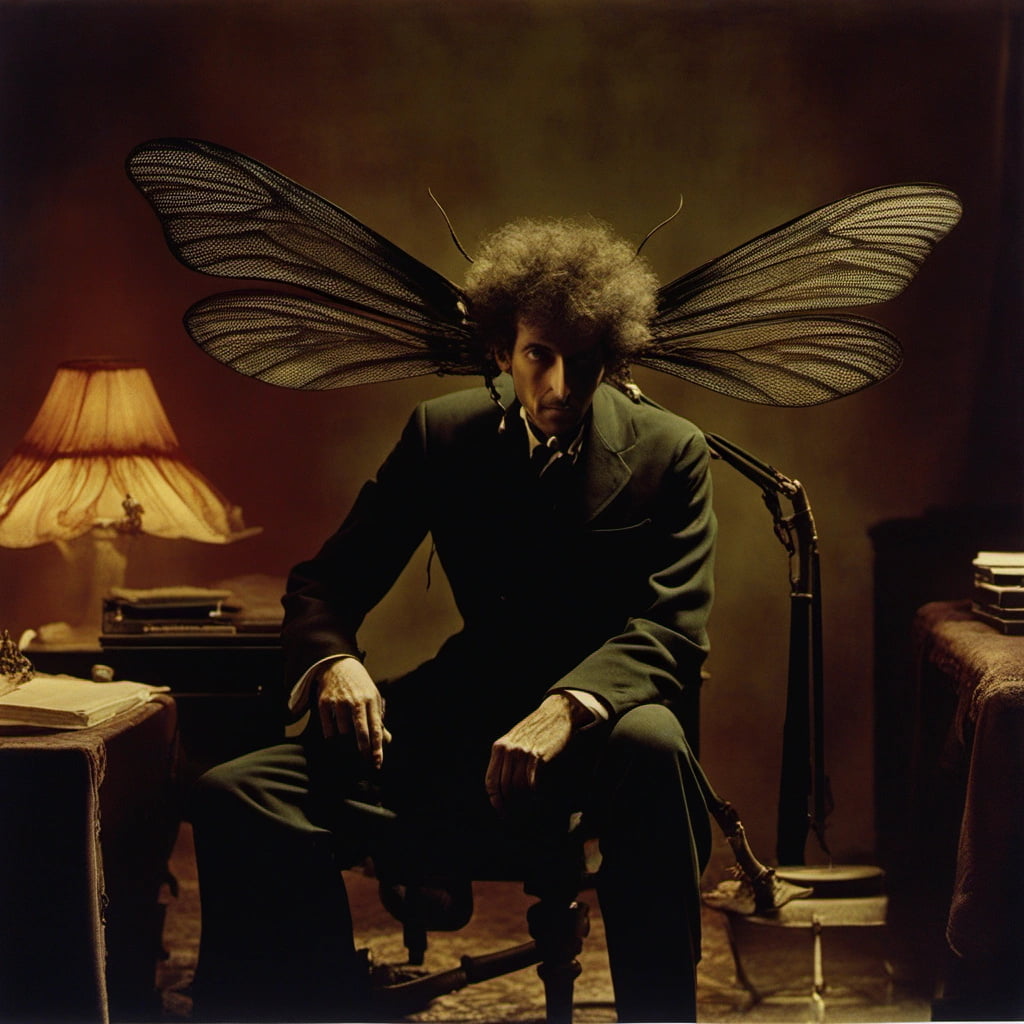 As I worked on my "