Everybody says she’s the brains behind Pa: Wendee’s Farm
This is a placeholder page to remind me to post my gallery of photos from Wendee Key's plantation.
There are intentionally vague broad steps, here just as a reminder to myself; best to look specific instructions for each of these steps up at restore time for the particular system you're restoring to.
A.) Backups should include all user data. Depending on who you ask, that's either:
1.) The entire filesystem except /dev/*, /proc/*, /sys/*, /tmp/*, /run/*, /mnt/*, /media/*, /lost+found (which can be pulled from a complete filesystem backup with rsync -avhP --exclude={"/dev/*","/proc/*","/sys/*","/tmp/*","/run/*","/mnt/*","/media/*","/lost+found"} /mnt/olddrive/ /mnt/netdrive/)
2.)/home, /etc (except /etc/passwd and /etc/groups, these have useful information to back up but may conflict if written to a new install), /usr/local, /opt, /root, /var (exluding /var/tmp, /var/run/, /var/lock, or /var/spool except you DO want /var/spool/cron/crontabs/)
B.) After copying all the above to the new or restored disk, you need to update /etc/fstab with the new disk UUIDs.
C.) Install GRUB Bootloader.
D.) If you're using LUKS encryption, set that…
Per numerous references around the web, to delete /path/to/directory-to-delete/:
cd /path/to/ mkdir empty_dir rsync -a --delete empty_dir/ directory-to-delete/ rm -r empty_dir rm -r directory-to-delete Disclaimer: this is for my own reference, not recommended for your use. Use it at your own risk. If I am wrong—and I may be—these commands can do tremendous damage to your system.
Here’s a guide to all currently available CSS units, with explanations and common use notes. This includes all CSS units listed in MDN Web Docs as of 2025aug15.
Sections:
By Category Angle unitsMy VWWare VM lost internet connectivity after a reboot. Even the host machine could not access any service on it. Http/https got 523 errors.
I powered down the VM, changed the networking to NAT, powered it back up, shut it down again, changed the networking back to Autodetect, booted it again, and everything seemed fine.
I have always been a dedicated archiver and curator of interesting information: trivia, facts, tidbits, how-tos, items of possible future interest. In the internet age, some of this it makes sense to keep as a public archive: IT troubleshooting information, links and general interest info I want to share with other people, etc.
However, since this site is intended primarily as my creative showcase, this presented me with a conundrum. There are a lot of things I want to share online for various reasons, but which aren't my creative output. And it seemed silly to set up a whole separate website for that.
Hence this "General Reference Library": information I want to make easily available under my own domain, but as a reference, not as my creative output. Eventually this section will just be a colossal brain dump of anything I felt for some reason I wanted to…
I've had sporadic problems with clearing the WP cache causing the server to return 520 errors for a few minutes. Usually other sites on the same server are fine, it's specific to this vhost. Logging in via SSH, checking with htop, rsync is usually hogging most of the cpu. Restarting the fpm and then restarting Apache restores the website.
According to https://www.claudiokuenzler.com/blog/361/rsnapshot-backup-reduce-high-load-with-ionice, the big bottleneck with rsync, which rsnaphot runs on, is i/o, not cpu, and rsync can actually tie up i/o such that a web server won't respond to http requests. This can be solved by making the rsnapshot command in crontab ionice -c 3 [rsnapshot command] instead of just the rsnapshot command, which tells rsync not to wait until the disk is idle before trying to access it. So I did. In fact, I made it nice -n 19 ionice -c 3 [rsnapshot command] although…
This is a placeholder page left here to remind me to set up a single-page index of links to all my various software projects.
Use code you find here at your own risk! I am not responsible if you damage your data or system by following any instructions you find here.
Bash
cd /home/kupietzc/public_html/kartscode/wp-content/plugins/ktwp-draggable-elements
git fetch origin
main branch (assuming main is your branch):Bash
git reset --hard origin/main
WARNING: This command is destructive. It will discard all local changes to tracked files and make your local repository exactly match your GitHub repository. Ensure you have a backup of any local modifications you wish to preserve that are NOT on GitHub before running this.
Unfortunately this must be set by site, but on retina screens on MacOS, many browsers blur small images, such as 88x31 buttons.
You can overcome this, at least for the images on your site, by adding this CSS to your site:
img, div {
image-rendering: optimizeSpeed;
image-rendering: -moz-crisp-edges;
image-rendering: -webkit-optimize-contrast;
image-rendering: optimize-contrast;
image-rendering: pixelated;
-ms-interpolation-mode: nearest-neighbor;
}
You should add any element that might have a CSS background image property to that selector. In this case I have added
This tip is from https://stackoverflow.com/questions/31908444/fix-for-blurry-images-on-browsers-used-by-a-mac-retina
I don't know if this affects other versions of Photoshop, but on MacOS Photoshop CC 2017 frequently starts unexpectedly graying out all save buttons when you have made changes to your file and should be able to save.
The secret is to resize and move around the dialog. Drag the lower right corner to make it bigger and smaller a few times, and try dragging the whole dialog to the upper left corner of the screen and making it small.
This fixes it for me.
This is a brief demo page for my KupieTools Draggable Elements WordPress plugin, which dynamically adds interactive draggability to any page element, based on CSS class names (or, really, any CSS selector).
Here's some boxes:
Drag Me Horizontally Drag Me Vertically Drag Me Anywhere Drag Me To CornersIf you select "View Page Source" on this page in your browser, you will see that the above four DIV elements, as defined in the page HTML, are just ordinary DIV elements with a single classname, an ID, and some visual styling. The KupieTools Draggable Elements plugin adds draggability to any arbitrary page element, by simply specifying a class name or other CSS selector for it in the plugin. (If you use your browser's Inspector instead of View Page Source, you'll see the current state of those elements, with any changes or additions the plugin created…
I use the uBlock Origin browser plugin to filter my LinkedIn Posts, Notifications, and Comments to hide anything containing objectionable topics. uBlock Origin allows you to add custom rules to block web content.
How to use and setup uBlock Origin is beyond the scope of this post. It's not hard, figure it out and then come back. What you want to know how to do is add your own custom rules.
Let's say, for purposes of these example, I want to block all mentions of someone named Grump.
The simplest version: block a single wordThe following three rules hide Posts, Comments, and Notifications, respectively, that contain the word "grump", whether as a separate word, or as part of other words, such as "grumpier".
Posts: www.linkedin.com##div:has( > .ember-view.occludable-update:has(div.fie-impression-container:has-text(/grump/i)))
Comments: www.linkedin.com##.comments-replies-list > .comments-thread-entity > .comments-thread-item > .comments-comment-entity--reply.comments-comment-entity:has-text(/grump/i)
Notifications: www.linkedin.com##div[data-finite-scroll-hotkey-item]:has-text(/grump/i)
That's the basics. But…
I installed the WordPress plugin LWS Optimize, which turned out to be unusably broken (which is the reason I'm not linking to it) and made my site unusable. To make matters worse, when I tried to deactivate it, it told me it deactivated... and was still active. I went in through FTP and deleted the plugin folder entirely, and then WordPress said it had been deactivated because it couldn't be found... and it still showed as present and activated in the plugin list.
So I added this to my theme's functions.php file:
add_action('admin_init', function() {
$active_plugins = get_option('active_plugins');
$plugin_to_remove = 'lws-optimize/lws-optimize.php';
if (($key = array_search($plugin_to_remove, $active_plugins)) !== false) {
unset($active_plugins[$key]);
update_option('active_plugins', array_values($active_plugins));
}
});
I then reloaded an admin page and removed that. That deactivated the plugin in the plugins list, but then when I hit the "delete" link, it said it…
Had a weird one today. Last one website of the several of on this server suddenly started returning 503 (service unavailable) errors. There was nothing in the PHP error log or Apache error log. All server configs are already thoroughly optimized for performance. Other websites on the same server were functioning normally.
I didn't notice this at the time, but my uptime monitor didn't report an outage. When I used redirect-checker.com to check the status code, it returned 200, which should have been a clue, also.
Next time, before doing all sorts of arcane troubleshooting:
1. Try with a different browser
2. Is there a CDN? Try bypassing it.
3. Are you using a VPN? Try selecting a different endpoint (VPN server) if it will let you, or turning it off.
I use the NordVPN plugin in Firefox, and quic.cloud is my…
ExecuteSQL ( "SELECT FieldName FROM FileMaker_Fields WHERE TableName='[TABLE NAME]' AND FieldClass='Normal'",",","¶")
How to monitor RAM usage:
free -h:
total: Total RAM.used: RAM currently in use.free: Unused RAM.buff/cache: RAM used for file system buffers and page cache. This is good; Linux uses free RAM for this and frees it when applications need it.available: The most important metric. This estimates how much memory is available for starting new applications without swapping.free -h before you increase max_children and then after your server has been running for a while under typical load with the new settings. Compare the available memory.htop (recommended if installed):
htop (you might need to sudo…Add or change /etc/cron.d/sysstat to this. This creates a cron jobe to write file /tmp/outage_resource_log.txt that keeps minute-by-minute stats, sometimes useful in troubleshooting slowdowns. However, it's not a great way to do things, it create a small, constant resource drag, so disable it when done troubleshooting.
# The first element of the path is a directory where the debian-sa1
# script is located
PATH=/usr/lib/sysstat:/usr/sbin:/usr/sbin:/usr/bin:/sbin:/bin
# Activity reports every 10 minutes everyday
#ORIGINAL DEFAULT WAS 5-55/10 * * * * root command -v debian-sa1 > /dev/null && debian-sa1 1 1
#uncomment above line and comment out /tmp/outage_resource_log.txt lines to restore original functionality
* * * * * root date +"%Y-%m-%d %H:%M:%S" >> /tmp/outage_resource_log.txt
* * * * * root sar -u 1 1 >> /tmp/outage_resource_log.txt 2>&1
* * * * * root sar -r 1 1 >> /tmp/outage_resource_log.txt 2>&1
* * *…
Add this to virtual host file in /etc/apache2/sites-available/, right below DocumentRoot, in both :80 and :443 sections
SetHandler "proxy:unix:/var/php-fpm/170027027353667.sock|fcgi://127.0.0.1"
Require all granted
May need in /etc/php/8.2/fpm/pool.d/www.conf, not sure:
pm.status_path = /fpm-status
May need at very start of .htaccess to prevent wordpress from intercepting the URL, not sure:
RewriteRule ^fpm-status$ - [L]
find [path/to/access/logs/folder] -name "*_access_log" -exec sh -c 'tail -200 "$1" | grep -v "HetrixTools\|ok\.txt\|canary" | sed "s/$/ [$(basename "$1" _access_log)]/"' _ {} \; | sort -k4,4
The grep -v "HetrixTools\|ok\.txt\|canary" filters out hits from my uptime monitor.
Command to check fail2ban's log is sudo tail -f /var/log/fail2ban.log
1. See memory consumed by php-fpm8.2 (change this to match different PHP version if necessary)
ps --no-headers -o "rss,cmd" -C php-fpm8.2 | awk '{ sum+=$1 } END { printf ("%d%s\n", sum/NR/1024,"M") }'
Run from Github:
curl -L https://raw.githubusercontent.com/BMDan/tuning-primer.sh/main/tuning-primer.sh | bash
wget http://mysqltuner.pl/ -O mysqltuner.pl
wget https://raw.githubusercontent.com/major/MySQLTuner-perl/master/basic_passwords.txt -O basic_passwords.txt
wget https://raw.githubusercontent.com/major/MySQLTuner-perl/master/vulnerabilities.csv -O vulnerabilities.csv
perl mysqltuner.pl --host 127.0.0.1 --user [user] --pass [pass]
Remember to quote any punctuation or BASH tokens in the password.
This page is a placeholder listing my various Github repos containing my custom WordPress plugin work, loosely branded as "KupieTools", as I work on more detailed pages documenting them.
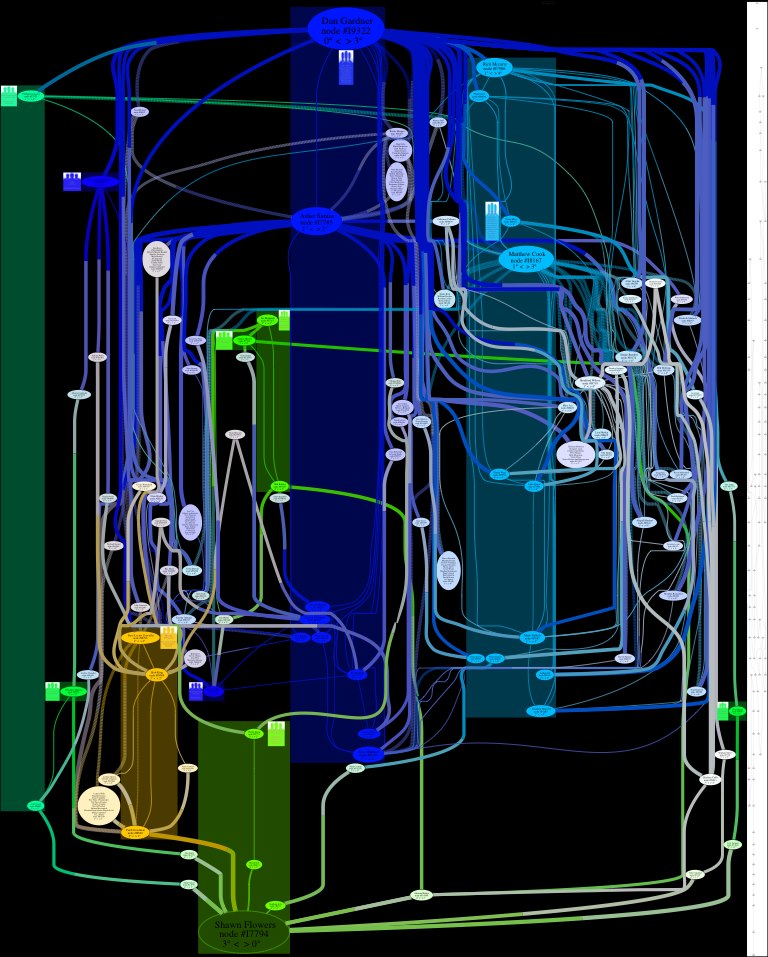
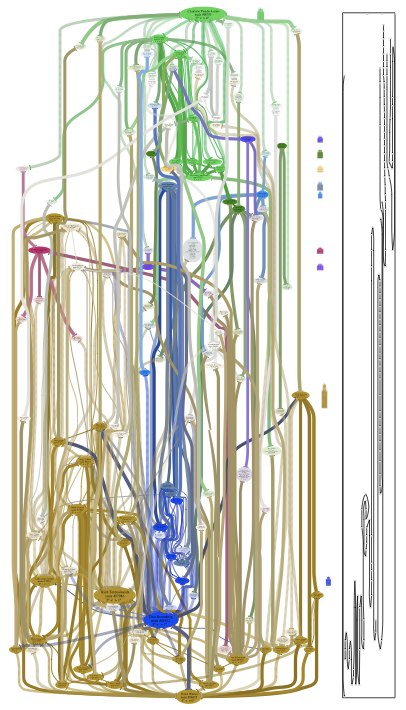
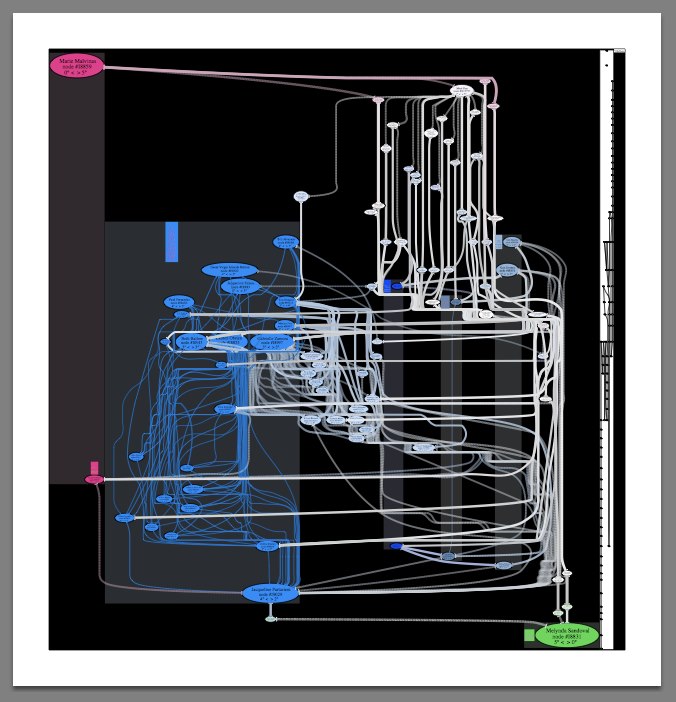
kupietools/ktwp-wp-plugin-caching-toolkit A plugin providing functions for WordPress developers to implement PHP function caching for performance. kupietools/ktwp-wp-plugin-cli-mode WordPress plugin supplementing my CLI.html text-based web browsing front end. Adds a little icon on wordpress pages to allow users to switch to a javascript-based terminal emulator providing web page browsing commands via the keyboard. kupietools/ktwp-wp-plugin-debuggery-toolkit WordPress plugin providing handy debugging functions particular to the author's needs. /kupietools/ktwp-wp-plugin-draggable-elements WordPress Plugins allowing developers to make any previously existing page element draggable freely, vertically, horzontally, or constrained to corners, by adding the element's CSS selector to the plugin code. kupietools/ktwp-wp-plugin-editor-codefolding WordPress plugin adding code folding (disclosure triangles) to the built-in editors on WP's admin…This is a placeholder to remind me to write about this project. This was what I called "chart art". These are social network graphs created by querying a database of friendships between real people in social media, showing the relationships between two people, with coloring used to indicate closely-associated social groups. 


Among my fascinations and frsutrations is go. This is going to be my page for organizing my thoughts on it as I learn.
I get the sense that Go is not a game but a field of study.
I've spent so much time fruitlessly trying to get LLMs (Large Language Model chatbots, commonly referred to generically as "AI") to actually help me solve coding problems that I've taken, as a hobby, to collecting screenshots of AI "apologizing". I just wanted a gallery to send a convenient link to people who insist AI is going to replace human programmers. If you're one if those people, tell me what human programmer, even a junior one, wouldn't get fired after even just two or three project assignments ended like these, um, several hundred examples from the last few months alone.
Update: By popular demand, I have included at bottom a bonus gallery of AI swearing and threatening to destroy itself.
An unsorted list of words or phrases that I like.
Aposiopesis (pron.: /ˌæpəsaɪ.əˈpiːsɪs/; Classical Greek: ἀποσιώπησις, "becoming silent") - a figure of speech wherein a sentence is deliberately broken off and left unfinished, the ending to be supplied by the imagination, giving an impression of unwillingness or inability to continue.[1] An example would be the threat "Get out, or else—!" This device often portrays its users as overcome with passion (fear, anger, excitement) or modesty. To mark the occurrence of aposiopesis with punctuation, an em dash (—) or an ellipsis (...) may be used.
Monological belief system - a self-sustaining worldview comprised of a network of mutually supportive beliefs, such as conspiracy theories which are supported by other conspiracy theories.
Resistentialism - a jocular theory to describe "seemingly spiteful behavior manifested by inanimate objects."[1] For example, objects that cause problems (like lost keys or a fleeing bouncy…
[could probably have a whole website section on words & language]
This is a placeholder for a page suggested by captJamesG in the Indieweb writing group meeting at https://etherpad.indieweb.org/2025-02-04-writing : "Writing challenge for anyone interested: write about a word or words that you use but may not be widely known." Agita, vehagedah, sennsucht, and I'm sure I have a bunch of English ones
For confused first-time visitors and other people still acclimating, here is a description of these little tabs to the left, as well as some other features of the site.
Open "Expert Mode" CLI Navigation - this give you the option to switch your browser's display to an old-fashioned terminal mode where you may browse this site, view pages and images by typing text commands. Just like how we used to browse the web back in 1978!
Open Visual Settings - This gives you controls to customize the visual display of this website to your liking: turn up or down the brightness, contrast, color temperature, hue, saturation, dark mode, and earthquake. Settings are saved per browser tab, so they will be remembered for your whole visit.
Open My Eyes - Have you ever been engrossed in your work, when you suddenly realize someone is staring at your screen, watching everything you do over your shoulder? If not, this simulates the experience.
Open Help - This help popup, silly! You just clicked it! Do you not remember?
New - Draggable elements! Several elements on this website, including these tabs, this popup message, and the "Hire Mike" badge in the lower right, can be dragged around with your mouse, to avoid them blocking content. Positions are remembered per tab, so as you navigate around the site, they will stay in the same place for your whole visit.
Enjoy!
Are you sure you want to switch to viewing this website in the "expert mode" command-line interface?
This will switch to a terminal emulator, load this page, and allow you to browse this website and view its contents by typing text commands.
Plus there might be, y'know, some fun stuff hidden in there. Just for geeks.