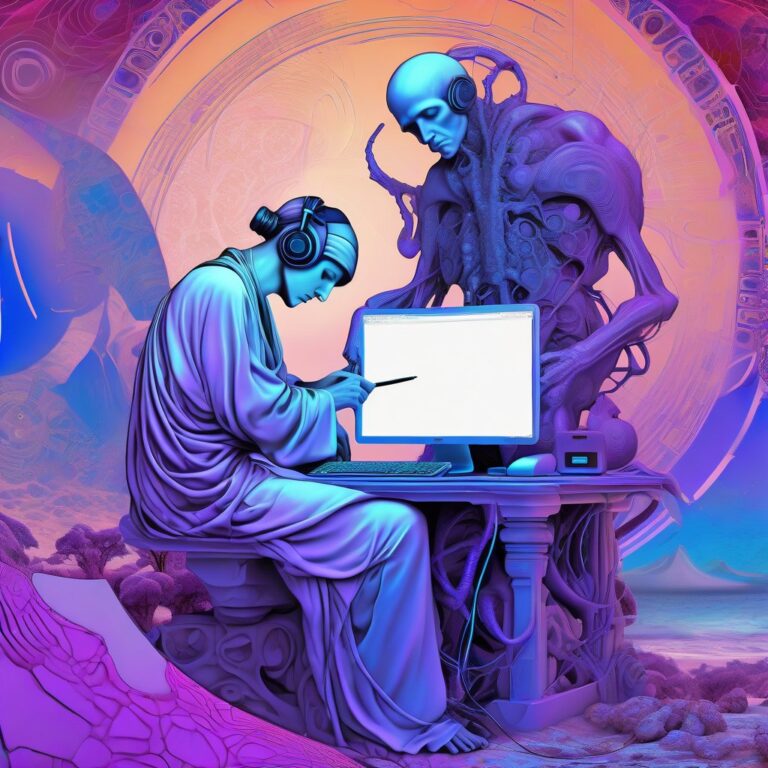
This is (almost*) the entire contents of the site, presented in blog-like form. This is all articles and blog posts from newest to oldest
- You can see just the articles: on the Articles category page (not to be confused with the /Latest news page, which is more conversational than a list of posts and may include personal news about me in addition to site news)
- Just the blog posts: on the dedicated Blog or nearly-identicalyBlog Posts category page.
*Individual movie reviews won't get posted on this page. I write too many of them, it would drown everything else out.

- How I Learned Duane Hanson Isn't Alexander Calder, and Leonard Nimoy Really Is Not Spock (Whitney Museum, New York City, 1978?) • 700 words
- Forever In Their Heart (The Franklin Institute, Philadelphia, 1970s) • 350 words
- Her Luminous Eyes (The Mütter Museum, Philadelphia, 2012 • 2150 words)
- Panic At The Explo (The Exploratorium, San Francisco, 1996) • 1200 words
- How A Chance Scientific Injustice Launched My Career As An Author Of Doggerel (The…
- Dictate text - listens for spoken input. Make sure set to '''stop listening after pause'''.
- Split
Dictated TextbyCustomand- splits the text into a list with "and" as the delimiter - Repeat with each item in
Split Text- begins the loop that adds…
Detect SYN flood slowing down server with netstat
If the web server is slow, detect a SYN flood by netstat -ant | grep :443 | grep SYN_RECV to show the IP addresses leaving it hanging. Hint: If you're behind a reverse proxy, and that shows IP addresses that aren't the proxy's, then your IP is being hit directly. To find out how many IPs are hanging, do netstat -ant | grep :443 | grep SYN_RECV | wc -l. If you do it a few times and the number is increasing, you may be under attack. If it's over 100, that's suspicious, but manageable and the server can usually handle it, especially if you have SYN cookies activated. If it's over 1000, you're under attack.

Indieweb Carnival March 2026 – The Soap Lady, And Other Museum Memories
Once a month, someone in Indieweb hosts the "Indieweb carnival", a monthly theme which a bunch of bloggers all write about the same theme, and the links to posts are collected in a page together. This month's theme: Museum Memories (see the announcement post, and the roundup and recap of all submissions.)
Like many people, I have many fond memories of museums. Here are some recollections.
Sections:
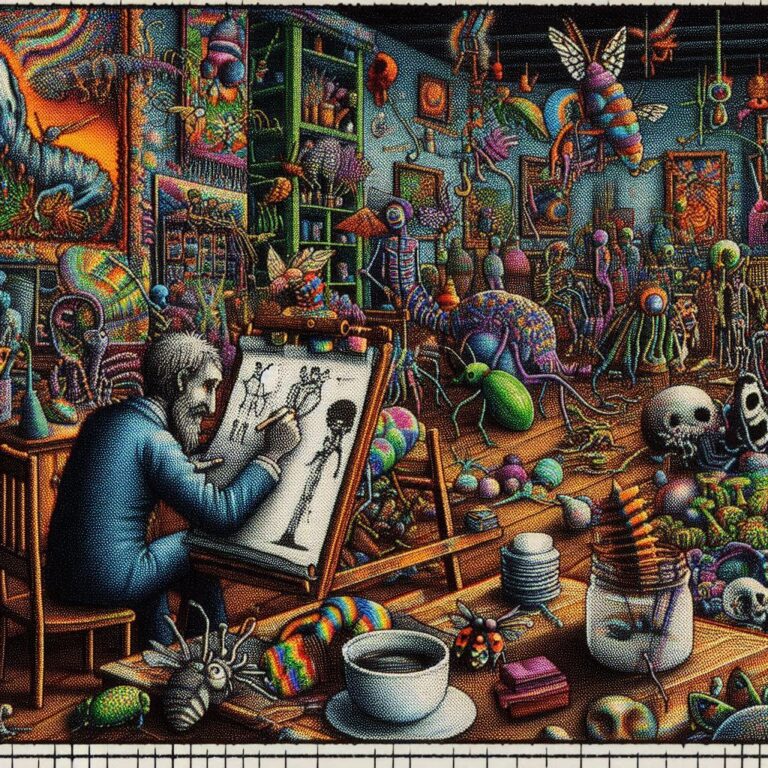
Bonus Gallery: Museum Memories Extra Images
Here are some additional images I created while working on the featured image for March 2026 Indieweb Carnival piece "Museum Memories".
Article syndication: Fediverse
Automatic SQL tuning recommendations with mysqltuner.pl
Run this on the server for sql tuneup recommendations to my.cnf.
[code]wget http://mysqltuner.pl/ -O mysqltuner.pl perl mysqltuner.pl[/code]
Gmail Pushing My Emails Out Of The Way To Tell Me What My Emails Say
Well, this is a new one. Today my gmail has started moving my emails out of the way to prioritize giving space to "AI Overviews" telling me what the email says. The summaries are longer than the actual email.
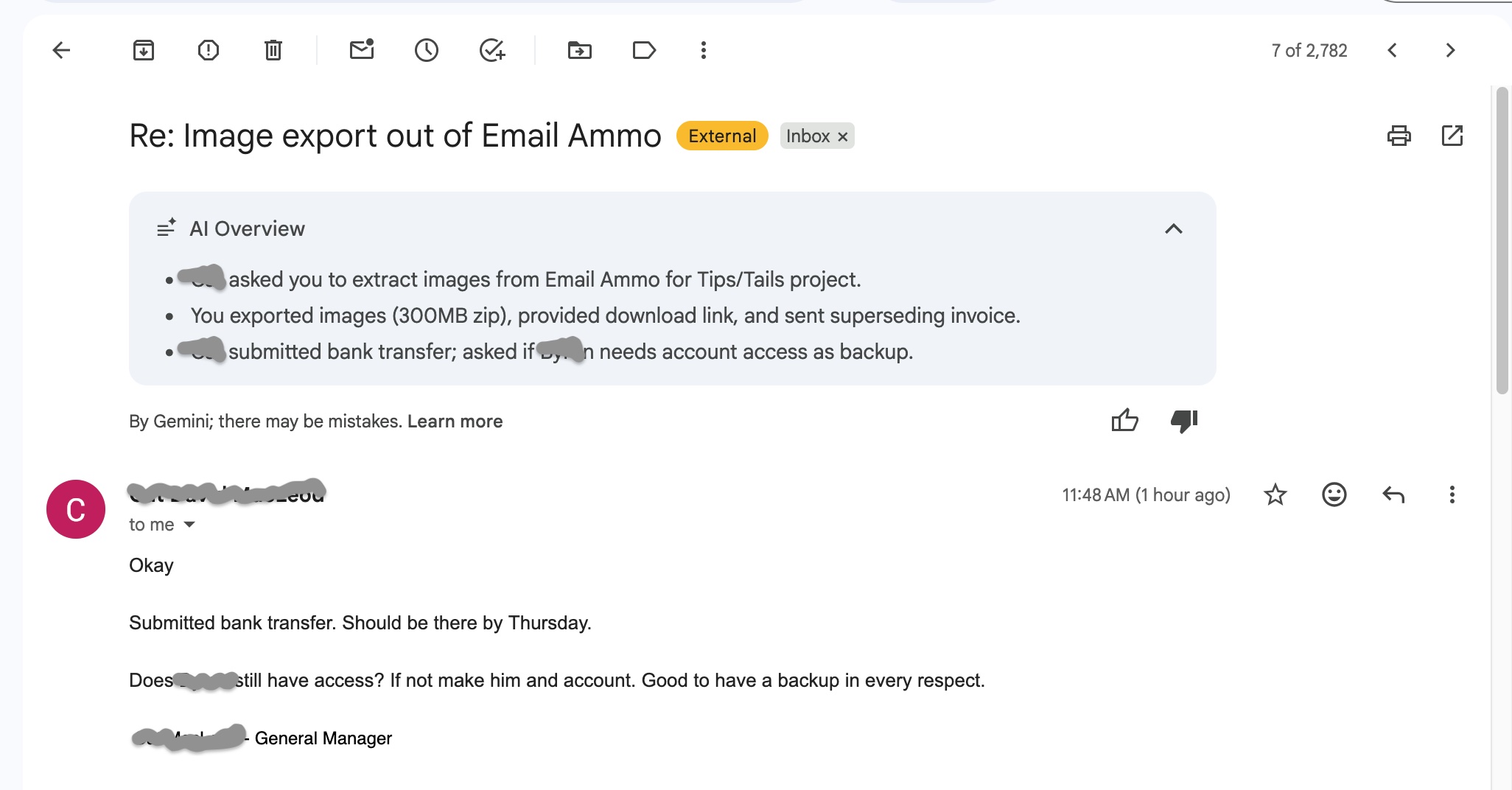
Imagine I started this three-sentence post with a "summary" that spent four sentences telling you what the post says. That's about how this strikes me.
Thoughts following “The Colonization of Confidence”
This is a draf. Almost done. Check back in a few days.
I just read the piece "The Colonization of Confidence", a short story by Robert Kingett about the homogenizing effect of relying on technology for "cheap, fast, and easy" artistic expression, and it reminded me of a few things. What's interesting is that there is a strong parallel here to things that have happened before.
The most immediate thing that leapt to mind is the 13-page '80s Alan Moore comic book story "In Pictopia", which you can happily read in full at Forgotten Awesome, a response to that era's commercialization of comics, in which the residents of a seedy comic Metropolis full of superheroes and cartoon animals are one-by-one either removed or replaced by slicker versions of themselves, as an ominous, dark industrial mass closes in on the horizon.
The second is the work…
Hide comments from blocked users on Reddit with uBlock Origin
Reddit collapses comments from blocked users so you have to click to read them, but does not hide them.
Add this custom rule to uBlock origin to completely hide comments from blocked users.
! https://www.reddit.com - hide blocked user
www.reddit.com##shreddit-comment.relative:has(.text-neutral-content-weak:has-text(Blocked User))
Things That Don’t Get Firefox To Start Loading Pages Again When It Decides It Doesn’t Want To
Firefox as of v 148 (actually a bit earlier than that, but that's what I'm on right now) frequently decides not to load pages anymore. You enter a URL or click on a link and get the status message "Waiting for [URL]..." and you can wait as long as you care to.
When this begins, your only choice is to restart Firefox.
Here is a list of "solutions" to the problem from around the web, which I have tried and found do not fix the problem:
• Turning off DNS-over-HTTPS in Firefox Settings
• Flushing MacOS's DNS cache.
• Going to about:networking and clearing Firefox's DNS cache
• Going into about:config and changing network.dns.disableIPv6 from false to true
• Opening in "troubleshooting mode" or disabling all extensions
• Turning VPN off
• Turning VPN on
Playlist shortcodes not working in Chrome because Lightspeed cache is set to defer jquery
Long story short, I got a message from a user that audio playlists were working in Firefox but not Chrome. The Chrome console had an error that "jQuery" wasn't defined, but typing jQuery into console did show a function definition. Turns out, in Lightspeed Cache's JS Delayed Includes, I had entered the word jquery by itself on a line, with a note to myself that something was causing a browser flash if I didn't do that. But removing this made the playlist shortcodes work on Chrome again. Ergo: don't defer jQuery.
iOS Shortcut to dictate your shopping list into Reminders.app
I uses this shortcut to dictate my shopping list into the iOS Reminders "Shopping" list. It breaks spoken lists on the word "and" to create separate shopping list items.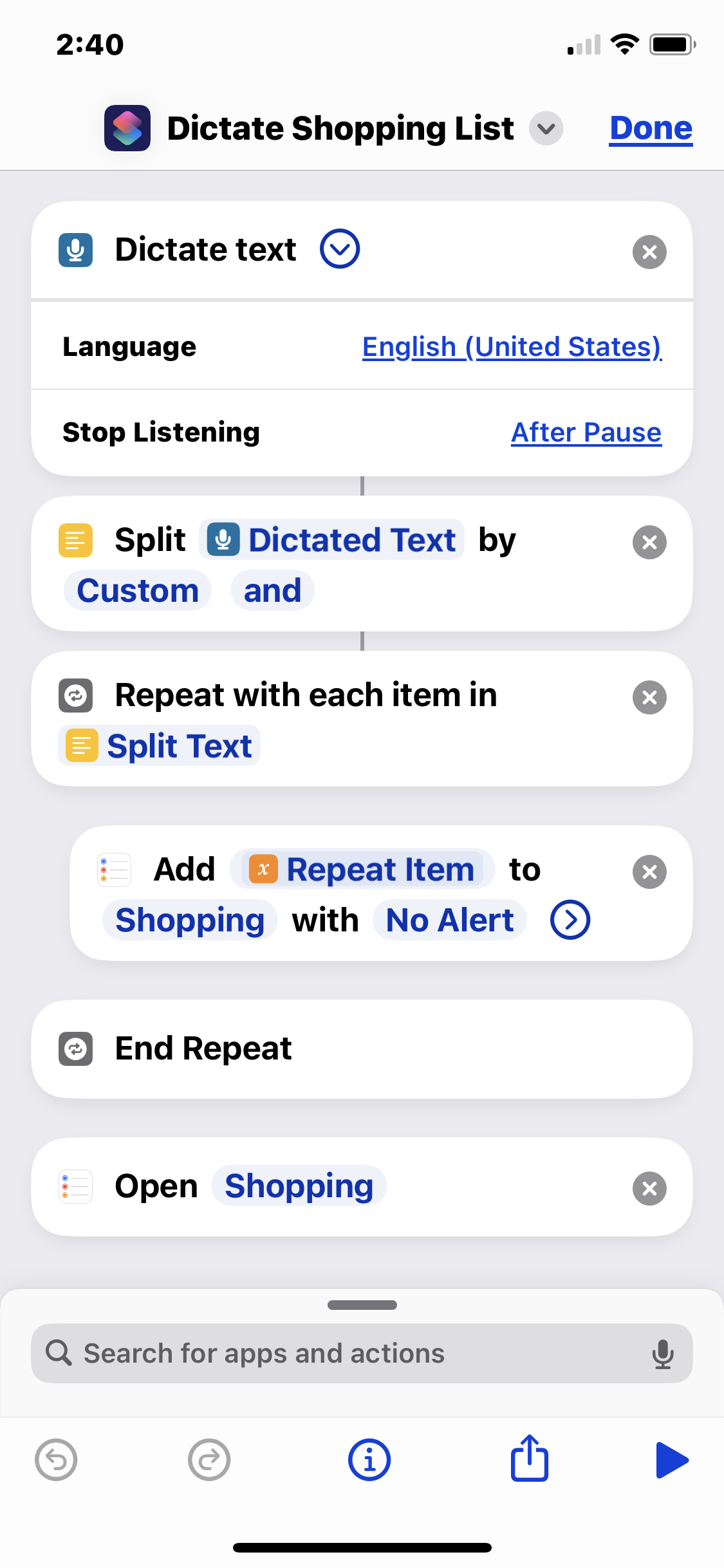
So I might run the shortcut, say the phrase "pickles and hot dogs and mustard", and it will add "pickles", "hot dogs", and "mustard" as separate checkbox items to the Shopping list in Reminders. It's handy for rattling off my shopping list as I'm staring into my fridge.
Obviously you need a list called "Shopping" set up in your Reminders app.
This shortcut executes the following steps: