Posted inWriting Posted in genres
These Are The People In My Neighborhood
Some assorted reminscences of characters I occasionally run across in my day.
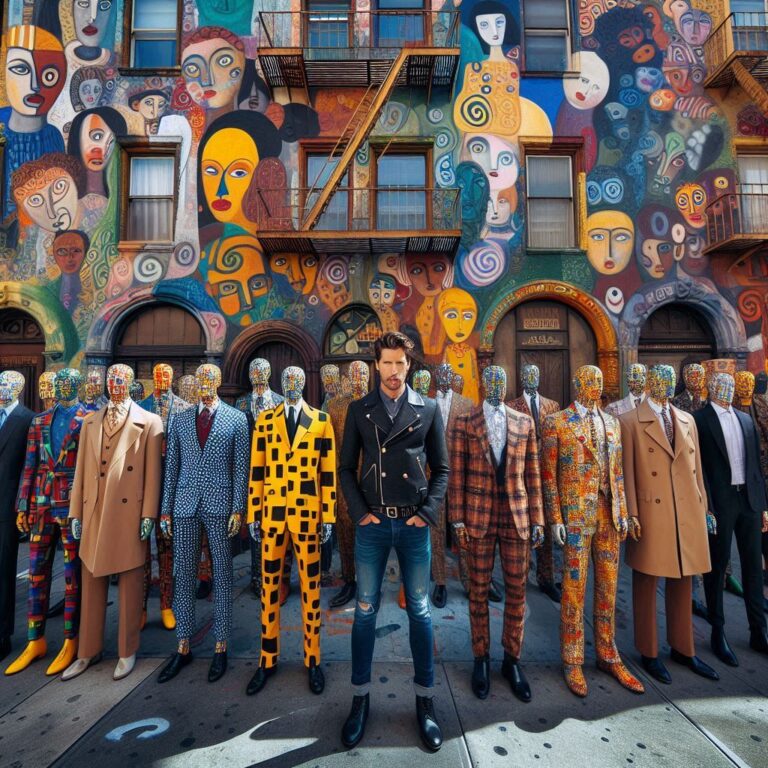
Some assorted reminscences of characters I occasionally run across in my day.

The other night I talked to my old friend Zigmo Parcheesi, the funniest man in the world. He told me he took his toddler son Max to his first movie. "Oh, yeah?" I asked. "What did you choose to scar him with?"
"Porn. We took him see some hardcore pornography. Told him we were going to show him how he was made. 'Not like that.... not like that... not like that... Yes! Like that!... No, no, not like that!... Not like that... not like that...'"
A few years ago, Zigmo moved out to the edge of the woods in northern New Jersey. I asked him, "New Jersey? have you seen the jersey devil yet?"
Without missing a beat, he said, "No, I haven't seen the jersey devil, but I have been to the mall."
Later, before getting off the phone, he told me, "If you ever…





For confused first-time visitors and other people still acclimating, here is a description of these little tabs to the left, as well as some other features of the site.
Open "Expert Mode" CLI Navigation - this give you the option to switch your browser's display to an old-fashioned terminal mode where you may browse this site, view pages and images by typing text commands. Just like how we used to browse the web back in 1978!
Open Visual Settings - This gives you controls to customize the visual display of this website to your liking: turn up or down the brightness, contrast, color temperature, hue, saturation, dark mode, and earthquake. Settings are saved per browser tab, so they will be remembered for your whole visit.
Open My Eyes - Have you ever been engrossed in your work, when you suddenly realize someone is staring at your screen, watching everything you do over your shoulder? If not, this simulates the experience.
Open Help - This help popup, silly! You just clicked it! Do you not remember?
New - Draggable elements! Several elements on this website, including these tabs, this popup message, and the "Hire Mike" badge in the lower right, can be dragged around with your mouse, to avoid them blocking content. Positions are remembered per tab, so as you navigate around the site, they will stay in the same place for your whole visit.
Enjoy!
Are you sure you want to switch to viewing this website in the "expert mode" command-line interface?
This will switch to a terminal emulator, load this page, and allow you to browse this website and view its contents by typing text commands.
Plus there might be, y'know, some fun stuff hidden in there. Just for geeks.