Posted inPhotojournal Posted in genres
Subterranean SF: Fort Mason Tunnel
This is a placeholder to remind me to post the photo album of exploring the hidden Fort Mason rail tunnel.
This is a placeholder to remind me to post the photo album of exploring the hidden Fort Mason rail tunnel.
This is a placeholder page to remind me to post my gallery of photos from Wendee Key's plantation.
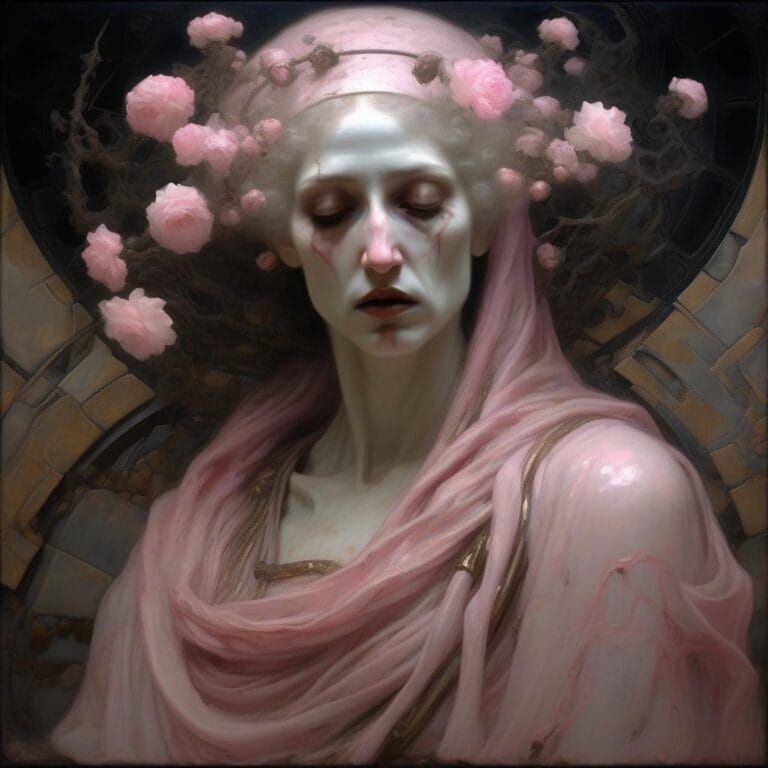
They've been doing this "#WrappedInPink Challenge" generative art meme on LinkedIn. Here's just a preview of studies of some things I've been working on for it. Not entirely sure what direction I'm going to go in yey.
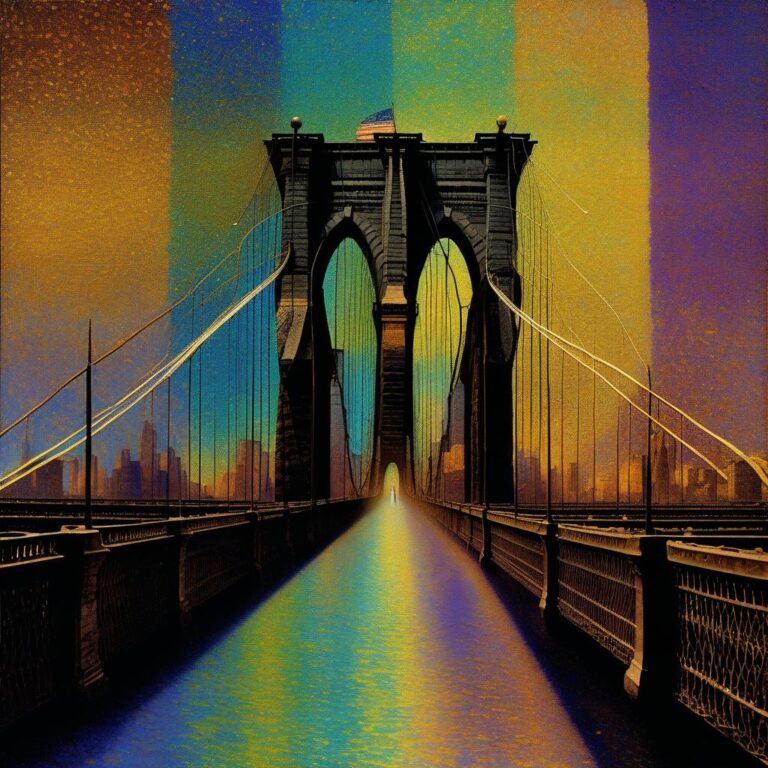
A cousin of mine was helping work on a volume of poetry and asked if I had more images specifically of San Francisco or New York City in the style of “Wild California” Studies — AI Generative Art gallery that they could consider for inclusion. I didn't, but I whipped some up.
I'm pretty fond of how a lot of them turned out, but, as with so many of these projects, I wound up making many that are visually striking but don't really have much artistic value beyond that, and the work remains to be done to winnow down all the striking images to the ones that really are special.
Until then, I'm so fond of them, though, that I thought I'd give a preview. Here's the complete output of those experiments, awaiting the best of it being culled down into the final presentation.
Right now…
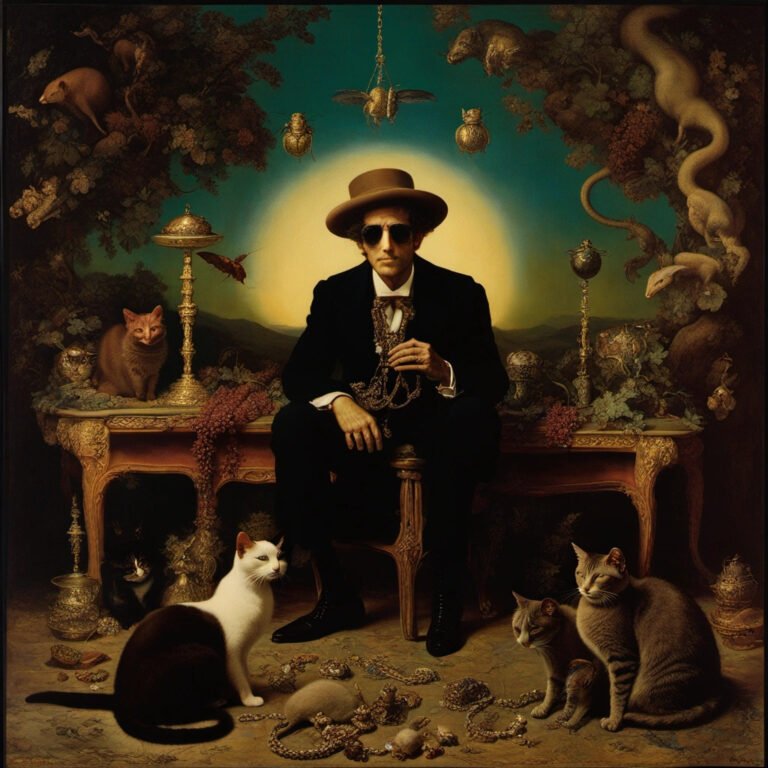
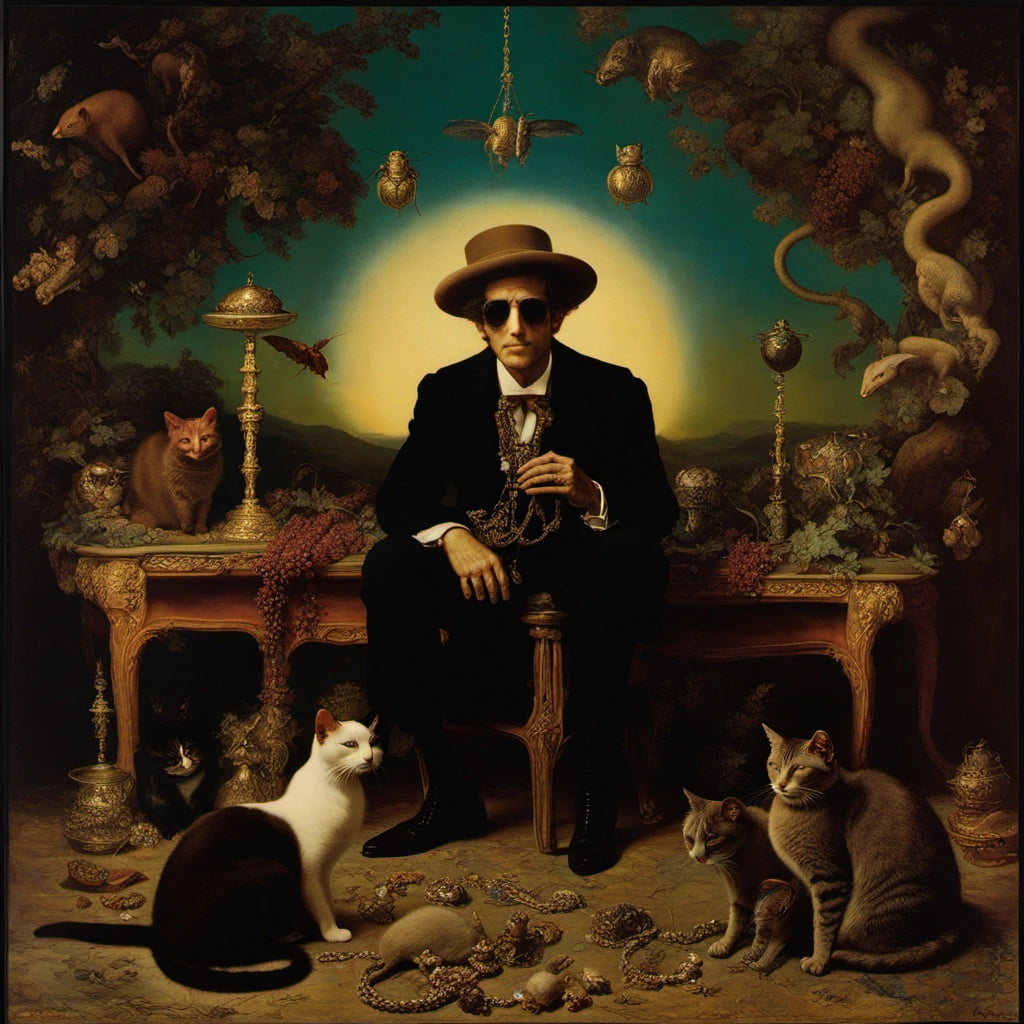 I have to be honest. I don't know about this one.
I set out to do another set of AI-assisted lyric illustrations, this time all of one song in its entirety... Bob Dylan's "Visions Of Johanna".
I got a little ways into it, and it was going well, when a few times in a row the generative algorithm overemphasized cats I had added as incidental background elements in the prompt, to interesting effect. So I had the brilliant idea: let's illustrate the whole song with cats. I backtracked and started over again.
It was an instructive lesson, one that didn't turn out as well as I had hoped.
It's just hard to get a lot of variety out of the Stable Diffusion XL algorithm when the main subject is cats. Turns out, visually, cats are really not a very expressive medium. And especially…

For confused first-time visitors and other people still acclimating, here is a description of these little tabs to the left, as well as some other features of the site.
Open "Expert Mode" CLI Navigation - this give you the option to switch your browser's display to an old-fashioned terminal mode where you may browse this site, view pages and images by typing text commands. Just like how we used to browse the web back in 1978!
Open Visual Settings - This gives you controls to customize the visual display of this website to your liking: turn up or down the brightness, contrast, color temperature, hue, saturation, dark mode, and earthquake. Settings are saved per browser tab, so they will be remembered for your whole visit.
Open My Eyes - Have you ever been engrossed in your work, when you suddenly realize someone is staring at your screen, watching everything you do over your shoulder? If not, this simulates the experience.
Open Help - This help popup, silly! You just clicked it! Do you not remember?
New - Draggable elements! Several elements on this website, including these tabs, this popup message, and the "Hire Mike" badge in the lower right, can be dragged around with your mouse, to avoid them blocking content. Positions are remembered per tab, so as you navigate around the site, they will stay in the same place for your whole visit.
Enjoy!
Are you sure you want to switch to viewing this website in the "expert mode" command-line interface?
This will switch to a terminal emulator, load this page, and allow you to browse this website and view its contents by typing text commands.
Plus there might be, y'know, some fun stuff hidden in there. Just for geeks.