Posted inCode & Algorithms Posted in genres
Software Index Placeholder
This is a placeholder page left here to remind me to set up a single-page index of links to all my various software projects.
This is a placeholder page left here to remind me to set up a single-page index of links to all my various software projects.

This is a brief demo page for my KupieTools Draggable Elements WordPress plugin, which dynamically adds interactive draggability to any page element, based on CSS class names (or, really, any CSS selector).
Here's some boxes:
Drag Me Horizontally Drag Me Vertically Drag Me Anywhere Drag Me To CornersIf you select "View Page Source" on this page in your browser, you will see that the above four DIV elements, as defined in the page HTML, are just ordinary DIV elements with a single classname, an ID, and some visual styling. The KupieTools Draggable Elements plugin adds draggability to any arbitrary page element, by simply specifying a class name or other CSS selector for it in the plugin. (If you use your browser's Inspector instead of View Page Source, you'll see the current state of those elements, with any changes or additions the plugin created…
This page is a placeholder listing my various Github repos containing my custom WordPress plugin work, loosely branded as "KupieTools", as I work on more detailed pages documenting them.
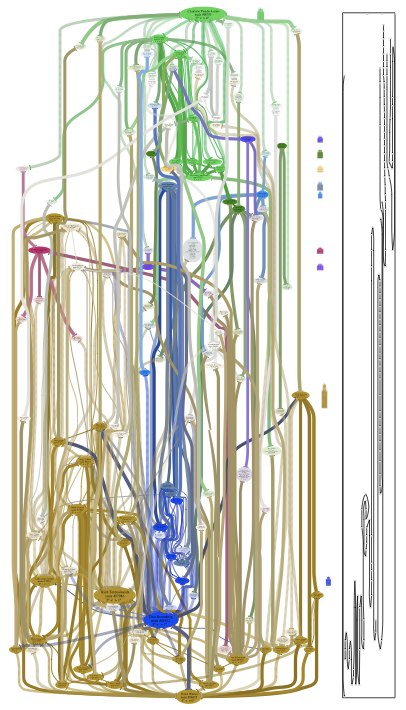
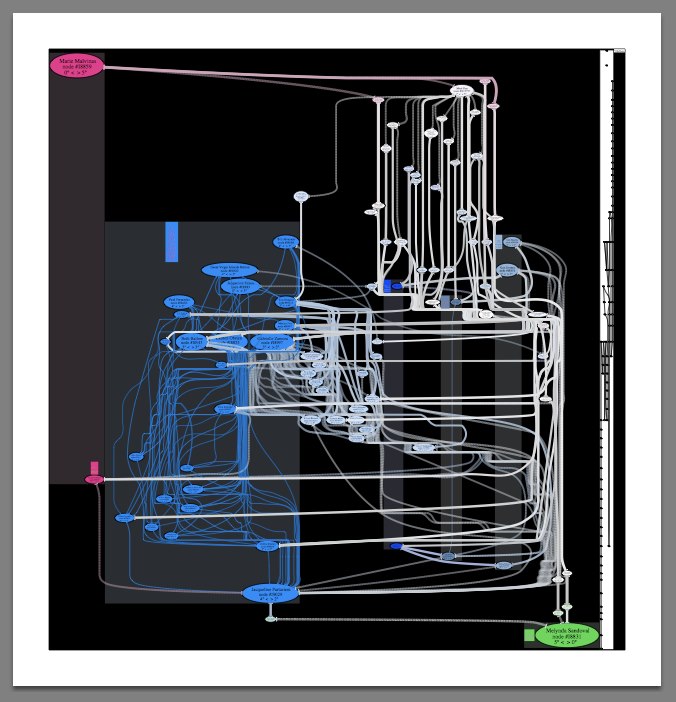
kupietools/ktwp-wp-plugin-caching-toolkit A plugin providing functions for WordPress developers to implement PHP function caching for performance. kupietools/ktwp-wp-plugin-cli-mode WordPress plugin supplementing my CLI.html text-based web browsing front end. Adds a little icon on wordpress pages to allow users to switch to a javascript-based terminal emulator providing web page browsing commands via the keyboard. kupietools/ktwp-wp-plugin-debuggery-toolkit WordPress plugin providing handy debugging functions particular to the author's needs. /kupietools/ktwp-wp-plugin-draggable-elements WordPress Plugins allowing developers to make any previously existing page element draggable freely, vertically, horzontally, or constrained to corners, by adding the element's CSS selector to the plugin code. kupietools/ktwp-wp-plugin-editor-codefolding WordPress plugin adding code folding (disclosure triangles) to the built-in editors on WP's admin…This is a placeholder to remind me to write about this project. This was what I called "chart art". These are social network graphs created by querying a database of friendships between real people in social media, showing the relationships between two people, with coloring used to indicate closely-associated social groups. 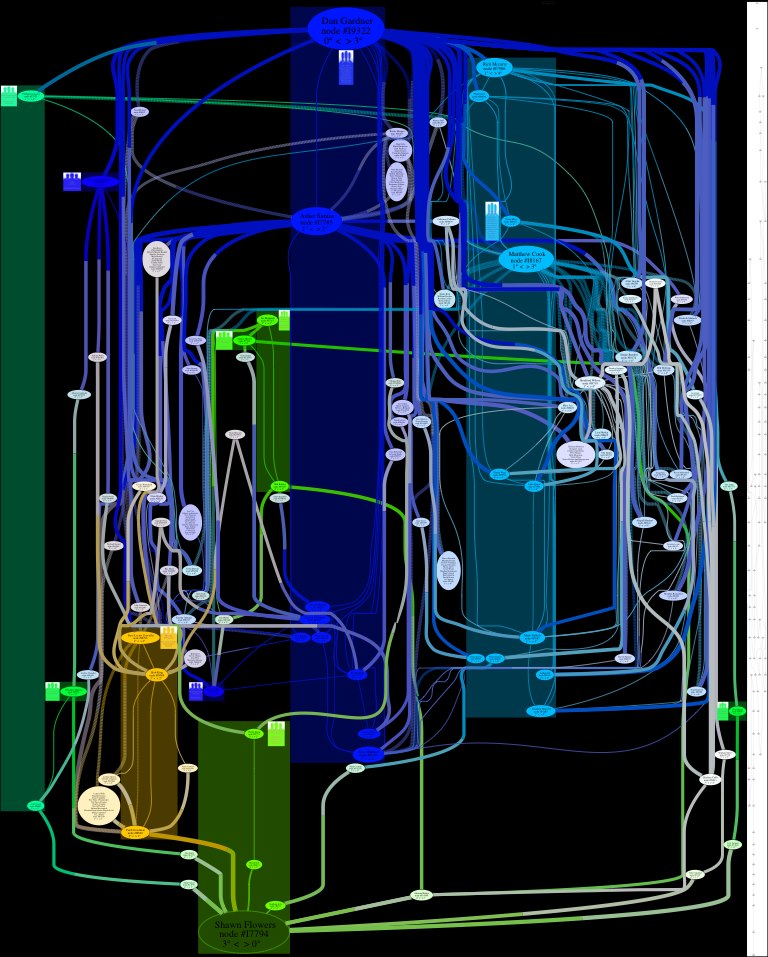



For confused first-time visitors and other people still acclimating, here is a description of these little tabs to the left, as well as some other features of the site.
Open "Expert Mode" CLI Navigation - this give you the option to switch your browser's display to an old-fashioned terminal mode where you may browse this site, view pages and images by typing text commands. Just like how we used to browse the web back in 1978!
Open Visual Settings - This gives you controls to customize the visual display of this website to your liking: turn up or down the brightness, contrast, color temperature, hue, saturation, dark mode, and earthquake. Settings are saved per browser tab, so they will be remembered for your whole visit.
Open My Eyes - Have you ever been engrossed in your work, when you suddenly realize someone is staring at your screen, watching everything you do over your shoulder? If not, this simulates the experience.
Open Help - This help popup, silly! You just clicked it! Do you not remember?
New - Draggable elements! Several elements on this website, including these tabs, this popup message, and the "Hire Mike" badge in the lower right, can be dragged around with your mouse, to avoid them blocking content. Positions are remembered per tab, so as you navigate around the site, they will stay in the same place for your whole visit.
Enjoy!
Are you sure you want to switch to viewing this website in the "expert mode" command-line interface?
This will switch to a terminal emulator, load this page, and allow you to browse this website and view its contents by typing text commands.
Plus there might be, y'know, some fun stuff hidden in there. Just for geeks.