
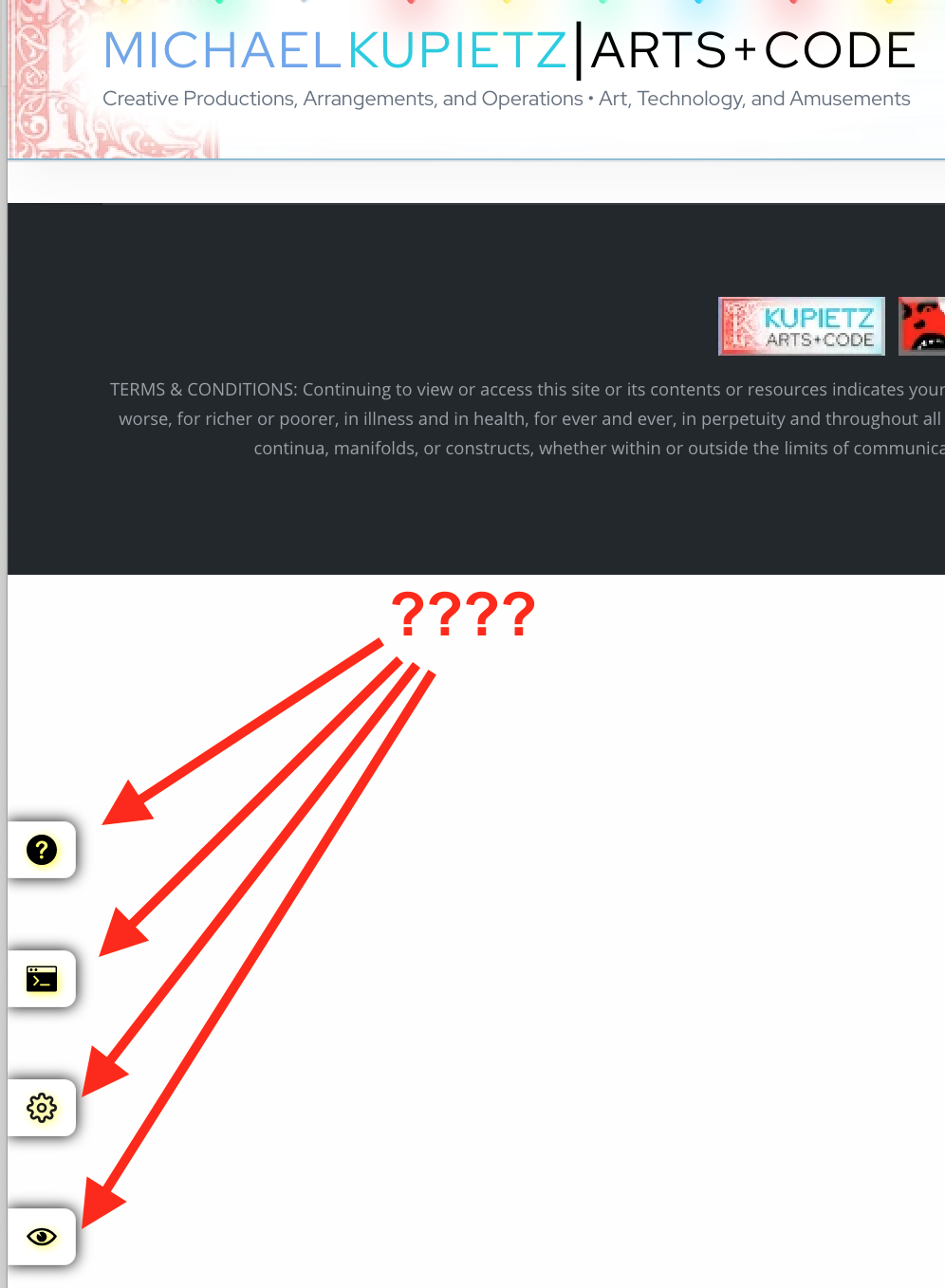
 So, I had a crazy problem. You'll notice that there's various draggable elements on this site... such as the "Kupietools" plugin tabs seen at left, the occasional "the site is being worked on right now" notices that pop up, etc. You can drag them around with your mouse.
This is done with a plugin (also available as a standalone javascript module, a few versions behind the plugin as I write this) that retrofits code onto various HTML elements by giving the plugin the classnames it needs to make interactive.
I was doing some optimization on the site loading to speed things up, such as getting WordPress to load a lot of CSS file late so as not to interfere with initial page load stats. (This is a whole art, beyond the scope of this article.)
Suddenly I noticed, the tabs, normally positioned as fixed with CSS, were appearing at the bottom of the page, inline in the page, rather than positioned at the top left where I explicitly put them. When I looked at the HTML code, I noticed the tab DIVs had position:relative hard-coded into their style attributes. This doesn't exist in the back-end code, so something was inserting it.
Reviewing the KTWP Draggable Elements plugin, I easily found where unpositioned elements are explicitly given a position of "relative" with javascript, which is necessary for positioning the sweet "glow" that appears around draggable elements when you hover over or drag them (this is because those are created with sized :before pseudo-selectors, which require an explicit position to work properly.) But for some reason, it was being inserted in explicitly position:fixed elements like the tabs.
More confusingly, it seemed random. When I cleared the caches, reloading the pages, it would be inserted. If I reloaded the page... suddenly it wouldn't be. I tested on both FireFox and Chrome, it seemed random on both whether the position:relative was inserted or not. The logic was pretty clear, there was nothing that should have changed from one page load to the next, certainly nothing that should have made Javascript do things differently between loads.
Finally it hit me. Here was the order things were happening:
1. Clear caches, reload page
2. Plugins that create tabs were loaded, but css files were deferred for performance.
3. Draggable Elements plugin loaded, scans all elements with classnames it has been told should be made draggable.
4. Because earlier plugins have loaded but their CSS stylesheets haven't yet, a bunch of draggable elements appear not to be positioned (they read internally as position:static, the default.) Draggable Elements javascript hard-codes them as position:relative.
5. CSS Stylesheets run and render, but
6. I reload the page, without clearing the cache.
7. Plugins that create tabs were loaded, and CSS doesn't need to be reloaded—it's already in the browser's cache!
8. Draggable Elements plugin loaded, scans all elements with classnames it has been told should be made draggable.
9. Because all CSS is already in the browser's cache, the earlier plugins' elements read correctly as
position:fixed, and position:relative is not hard-coded into their style attributes. The tabs display in their correct places.Mystery solved.To fix it, here's what I did:1. I changed the Draggable elements to apply a classname
ktwp-force-relative instead of adding position:relative directly to the style attribute in their tags, with element.classList.add("ktwp-force-relative") instead of element.style.position="relative".2. In the CSS that KTWP Draggable Elements plugin injects into the header, I added a rule ":while(.ktwp-force-relative) {position:relative}". The
:while selector is the lowest-priority CSS selector... any subsequent declaration of position: must overrule it.3. Inserted Draggable Elements's CSS first thing in the document head with
document.head.insertBefore(cssStyle, document.head.firstChild);, whereas previously I had just used document.head.append and let it go wherever it ended up. This way it stands a good chance of being the earliest, and therefore lowest-precedence, rules, and anything loaded later will overrule it.This does come with one drawback: the :where selector is only supported in browsers released since early 2020. And you have to use :where... if I just used the rule .ktwp-force-relative {position:relative}, and the later-loading CSS used a tag-based like div {position:fixed}, the class selector .ktwp-force-relative would take precedence over the tag selector, because that's just how CSS works, and the element would stay relative positions.So, this means the KTWP Draggable Elements plugin may, in some situations where CSS loads late, not work predictably in older browsers released 6 or more years ago, and may even break the positioning of elements. Ah, well, this business of retrofitting interactive behavior onto existing code is hinky at best; it's amazing that it works as well as it does, and it's never going to be 100% perfect. Design your CSS selectors carefully, and/or use !important if performance tuning is causing things to load late, if you want to use it.
I just can't believe I figured out what the problem was. Talk about arcane.