Creative Productions, Arrangements and Operations • Art, Technology and Amusements. Software Engineer and certified FileMaker Pro developer and full-stack web developer by day, https//www.kupietz.com
This is the list of articles by the date they were first published, from newest to oldest.
A log of all latest site changes & updates, which includes new edits & changes to existing older articles, is available on the Articles By Last Modified Date page.
This is a mirror, for navigation convenience, of the /Changesslashpage, which lists all recent changes to any content on this site, including new edits and updates to old articles.
A list of just the most recently created, brand new articles is available on the Newest Articles page, or in the column on the right-hand side of any page, under the heading "Newest Articles...".
This site allows you to get the content of posts and pages by adding either /embed/ or ?embed to the URL, optionally including the post title, author, and/or tags.
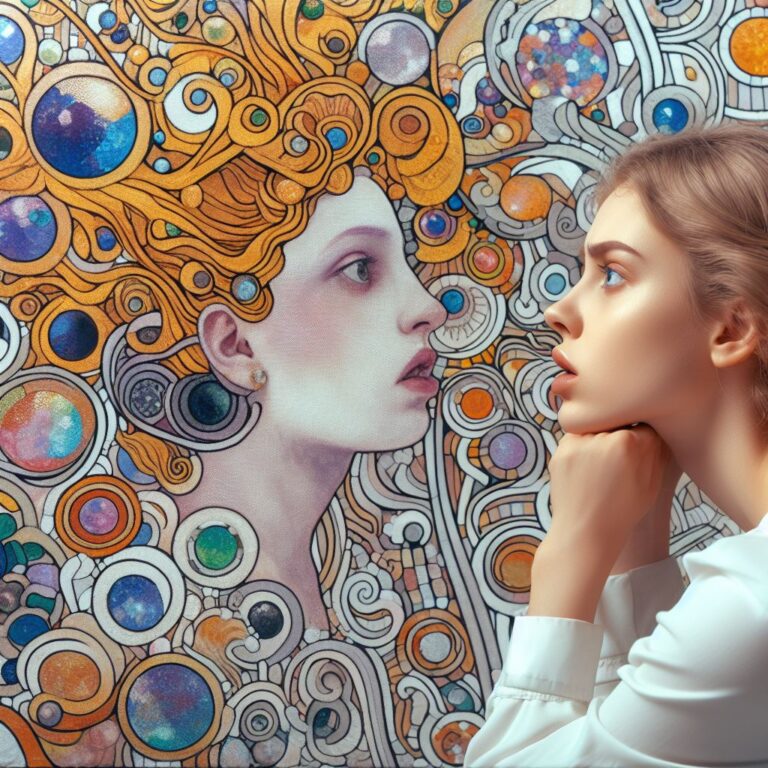
A number of the AI-generated images on this site contain artistic depictions of nudity, presented in a way that might seem to reasonably suggest some confusion between real artistic or aesthetic value, and what gives some people, perhaps including myself, some level of simple va-va-va-voom visual jollies.
Put simply: there's a lot of images of naked, topless, or scantily-dressed women in some of the image galleries here, but not so many men. Almost none, in fact.
Although it's in several galleries, this is most evident in, say, "Previsions of Johanna", where the many female figures, and only the female figures, all came out either nude, topless, or wearing a low-cut dress, while the male figures are always fully clothed from neck to wrists and ankles. In fact, the lone arguably male figure in that entire set that is wearing a loose tank top, rather than some kind…
Since they're not always clearly displayed on the front page or in every post, for convenience, this is an automated scrape of all original "featured images" (the background or front page image for a post) on the site.
An early viewer asked some questions about the art I use on my site, so I thought I would put together a page of Q&A about the site and the materials on it.
Who are you, now?
I'm Mike Kupietz. You can be forgiven for not knowing who I am. Although I do have to admit I privately hoped I'd make more of a splash. I'm a musician, artist, and by day a FileMaker consultant and web developer based, strictly due to an accident of fate, in San Francisco.
Where did you get _____ image? / Did you do all this art?
Mostly all the images on this site are my own art. There are a few public domain images on this site. As of this writing the images I didn't create are: - the poo emoji on the BS…
For confused first-time visitors and other people still acclimating, here is a description of these little tabs to the left, as well as some other features of the site.
Open "Expert Mode" CLI Navigation - this give you the option to switch your browser's display to an old-fashioned terminal mode where you may browse this site, view pages and images by typing text commands. Just like how we used to browse the web back in 1978!
Open Visual Settings - This gives you controls to customize the visual display of this website to your liking: turn up or down the brightness, contrast, color temperature, hue, saturation, dark mode, and earthquake. Settings are saved per browser tab, so they will be remembered for your whole visit.
Open My Eyes - Have you ever been engrossed in your work, when you suddenly realize someone is staring at your screen, watching everything you do over your shoulder? If not, this simulates the experience.
Open Help - This help popup, silly! You just clicked it! Do you not remember?
New - Draggable elements! Several elements on this website, including these tabs, this popup message, and the "Hire Mike" badge in the lower right, can be dragged around with your mouse, to avoid them blocking content. Positions are remembered per tab, so as you navigate around the site, they will stay in the same place for your whole visit.
Enjoy!
CLI Website Navigation
Are you sure you want to switch to viewing this website in the "expert mode" command-line interface?
This will switch to a terminal emulator, load this page, and allow you to browse this website and view its contents by typing text commands.
Plus there might be, y'know, some fun stuff hidden in there. Just for geeks.