Creative Productions, Arrangements and Operations • Art, Technology and Amusements. Software Engineer and certified FileMaker Pro developer and full-stack web developer by day, https//www.kupietz.com
“Petit Art”: Odds & Ends
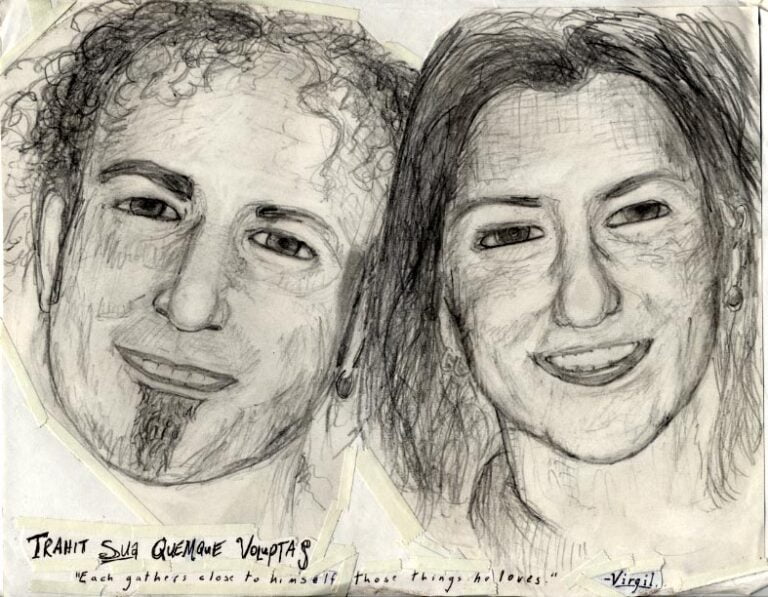
A catch-all compendium of Michael Kupietz’s old odds & ends of visual art. Sketches, one-off images, stuff like that. Some memes will probably wind up in here.
In the spirit of keeping up with the Joneses I've finally created an 88x31 button for those wishing to link to this site. I characteristically have two nearly-identical versions which nobody but me will probably notice the difference between, I'm not sure which I like best yet. I may make more.
"Built During An Indieweb Meetup" buttons
I strongly suggest, if you use these buttons, that you use an [code][/code] tag to link them to https://events.indieweb.org.
Inspired by something said during an IndieWeb meetup*, this button is, um, a "Holla Atcha Boy" button... built during an IndieWeb meetup, earning this page one of its own buttons.
*They said, "Holla atcha boy".
"Try CLI Mode" buttons
These are for linking to this website's "expert mode"
Robyn Hitchcock used to have an email fan club that I was pretty active in (hence his name coming up a bunch of places on this site; if you're familiar with his songs, it makes sense that he gives people ideas for art.)
Back in, geez, 2003 or 4, I think, he turned 50 so we got together and all contributed a bunch of art to give to him on a CD-rom. This was my contribution, about 12 pages of scanner art (including the somewhat difficult task of getting a good digital scan of a lit candle!) Use the skull, suitcase, and bottle of wine on the right to navigate through the panels.
(Note: at narrower window widths, the navigation icons on the right side of each page below might get cut off and you will need to either widen your browser window, or scroll to the right to see…
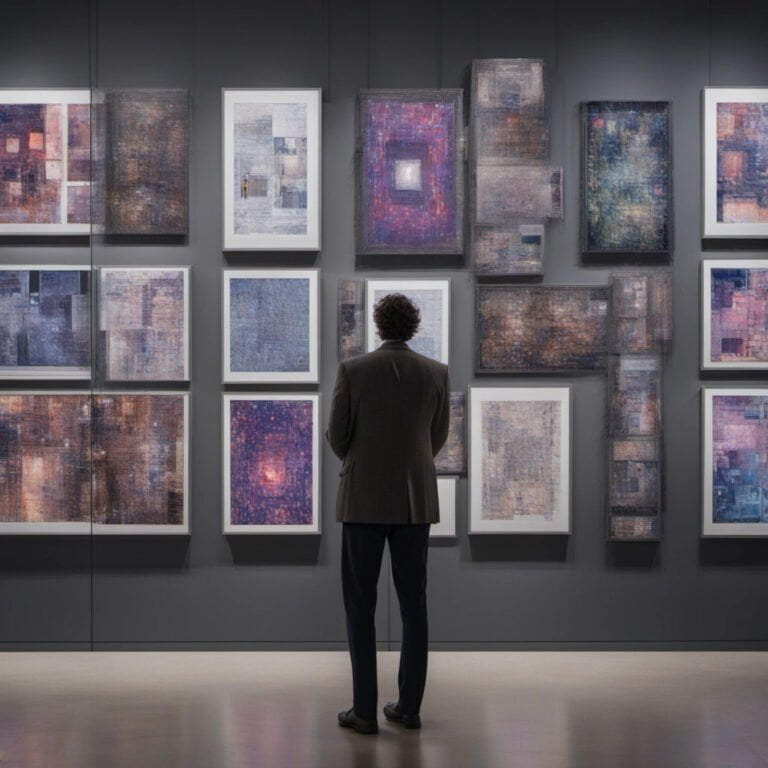
Since they're not always clearly displayed on the front page or in every post, for convenience, this is an automated scrape of all original "featured images" (the background or front page image for a post) on the site.
Posted inImage GalleryPosted in genresAI Generative Illustration
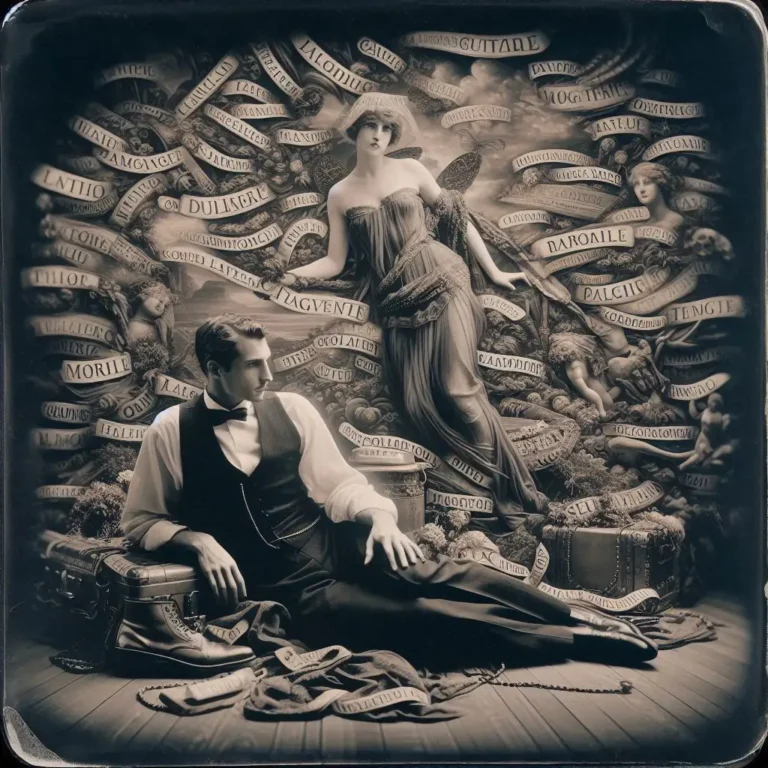
Angel trumpets and devil trombones, and you are invited! Here's some phantasmagorical music-themed generative AI illustrations I, well, generated. These…
For confused first-time visitors and other people still acclimating, here is a description of these little tabs to the left, as well as some other features of the site.
Open "Expert Mode" CLI Navigation - this give you the option to switch your browser's display to an old-fashioned terminal mode where you may browse this site, view pages and images by typing text commands. Just like how we used to browse the web back in 1978!
Open Visual Settings - This gives you controls to customize the visual display of this website to your liking: turn up or down the brightness, contrast, color temperature, hue, saturation, dark mode, and earthquake. Settings are saved per browser tab, so they will be remembered for your whole visit.
Open My Eyes - Have you ever been engrossed in your work, when you suddenly realize someone is staring at your screen, watching everything you do over your shoulder? If not, this simulates the experience.
Open Help - This help popup, silly! You just clicked it! Do you not remember?
New - Draggable elements! Several elements on this website, including these tabs, this popup message, and the "Hire Mike" badge in the lower right, can be dragged around with your mouse, to avoid them blocking content. Positions are remembered per tab, so as you navigate around the site, they will stay in the same place for your whole visit.
Enjoy!
CLI Website Navigation
Are you sure you want to switch to viewing this website in the "expert mode" command-line interface?
This will switch to a terminal emulator, load this page, and allow you to browse this website and view its contents by typing text commands.
Plus there might be, y'know, some fun stuff hidden in there. Just for geeks.