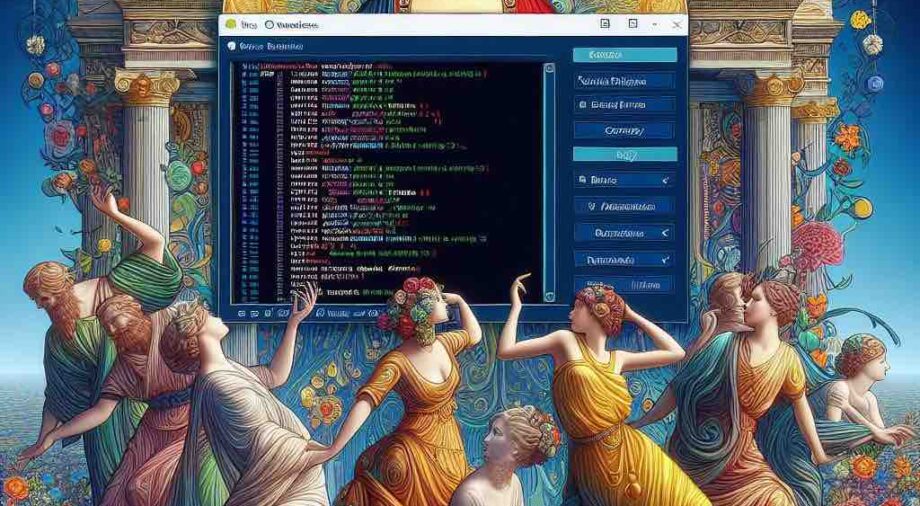
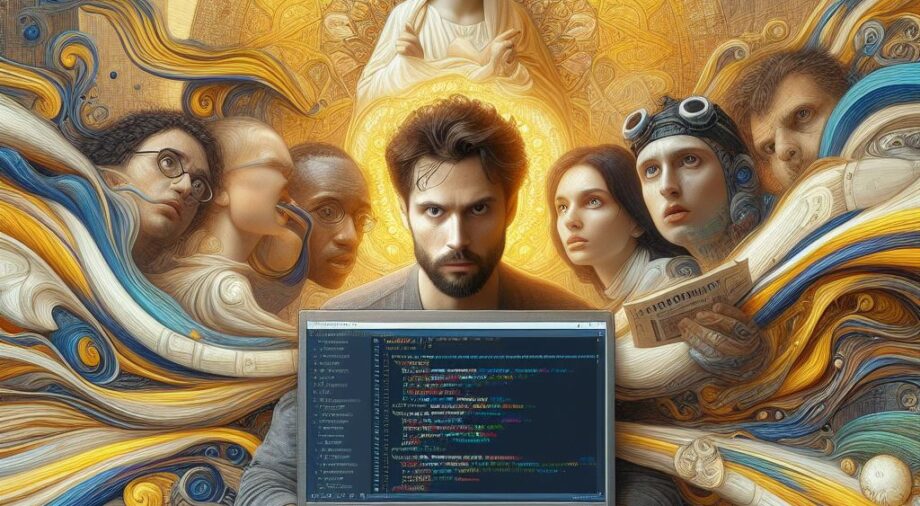
How To Export or Import Notes from the "Webstickies" Extension In Firefox, feature art by Mike Kupietz
Adding A Default Featured Image Or Thumbnail In WordPress, feature art by Mike Kupietz
Pure CSS interactive web holiday lights (updated for 2025), feature art by Mike Kupietz
 How To Export or Import Notes from the
Posted inCode & Algorithms

Free Your Mind, And Your Sticky Notes Will FollowTech note: How To Export or Import Notes from the "Webstickies" Extension In Firefox

Click to Read More...
Adding A Default Featured Image Or Thumbnail In WordPress, feature art by Mike Kupietz
Posted inCode & Algorithms

All ThumbsAdding A Default Featured Image Or Thumbnail In WordPress

Click to Read More...
Pure CSS interactive web holiday lights (updated for 2025), feature art by Mike Kupietz
Posted inCode & Algorithms

season's geekingsPure CSS interactive web holiday lights (updated for 2025)

Click to Read More...
A Technological Solution to Disincentivize a Web Development "Concern Troll", feature art by Mike Kupietz
The Internet Bad Statements (“BS”) Detector, feature art by Mike Kupietz
WordPress Shortcode & Function Performance Optimization with Transients, feature art by Mike Kupietz
A Technological Solution to Disincentivize a Web Development
Posted inCode & Algorithms

Fun With A PurposeA Technological Solution to Disincentivize a Web Development "Concern Troll"

Click to Read More...
The Internet Bad Statements (“BS”) Detector, feature art by Mike Kupietz
Posted inCode & Algorithms

Online Fact-Checking ToolThe Internet Bad Statements (“BS”) Detector

Click to Read More...
WordPress Shortcode & Function Performance Optimization with Transients, feature art by Mike Kupietz
Posted inCode & Algorithms

Optimization-A-Go-GoWordPress Shortcode & Function Performance Optimization with Transients

Click to Read More...
An Excel-based DeFi Uniswap Liquidity Pool/Automated Market Maker Simulator, feature art by Mike Kupietz
Draggable Elements WordPress Plugin, feature art by Mike Kupietz
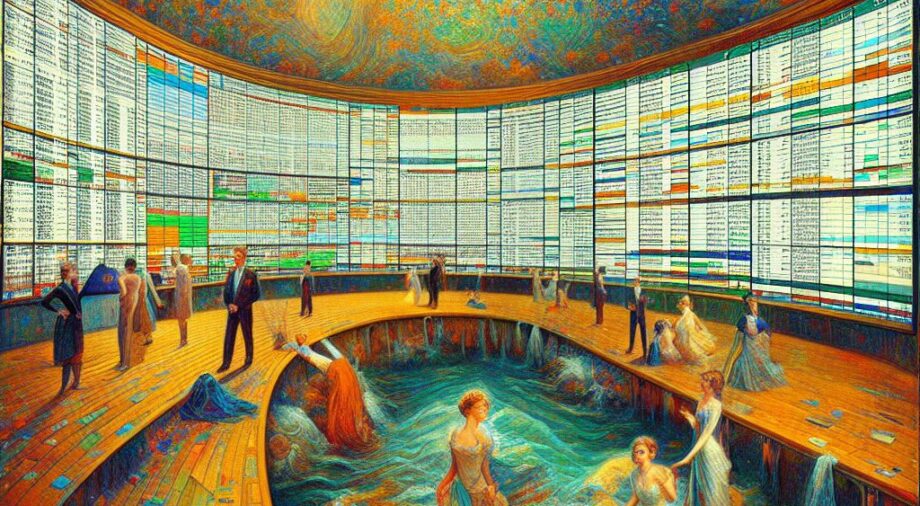
An Excel-based DeFi Uniswap Liquidity Pool/Automated Market Maker Simulator, feature art by Mike Kupietz
Posted inCode & Algorithms

Untangling Uniswap? Demystifying DeFi? You Tell MeAn Excel-based DeFi Uniswap Liquidity Pool/Automated Market Maker Simulator

Click to Read More...
Draggable Elements WordPress Plugin, feature art by Mike Kupietz
Posted inCode & Algorithms

Nothin' But A DragDraggable Elements WordPress Plugin

Click to Read More...
 CSS Dynamic Point Light Source & Parallax Shadows, feature art by Mike Kupietz
Posted inCode & Algorithms

Let There Be More LightWeb Demo: CSS Dynamic Point Light Source & Parallax Shadows

Click to Read More...
Scripts to Analyze CSS from Firefox's Javascript console., feature art by Mike Kupietz
Web Design—Adding Text Previews To HTML Details Disclosure Elements, feature art by Mike Kupietz
Non-render-blocking YouTube embeds in WordPress, feature art by Mike Kupietz
Scripts to Analyze CSS from Firefox's Javascript console., feature art by Mike Kupietz
Posted inCode & Algorithms

For Web Devs and Other Tool-Using AnimalsScripts to Analyze CSS from Firefox's Javascript console.

Click to Read More...
Web Design—Adding Text Previews To HTML Details Disclosure Elements, feature art by Mike Kupietz
Posted inCode & Algorithms

god is in the detailsWeb Design—Adding Text Previews To HTML Details Disclosure Elements

Click to Read More...
Non-render-blocking YouTube embeds in WordPress, feature art by Mike Kupietz
Posted inCode & Algorithms

Video Killed The Pagespeed ScoreNon-render-blocking YouTube embeds in WordPress

Click to Read More...
Terminal-Notifier Bridge For Thunderbird Email Client, feature art by Mike Kupietz
Generating On-The-Fly Email Addresses as an Anti-Spam Measure in Wordpress, feature art by Mike Kupietz
Resurrecting the HTML <BLINK> tag, feature art by Mike Kupietz
Terminal-Notifier Bridge For Thunderbird Email Client, feature art by Mike Kupietz
Posted inCode & Algorithms

Thunderbird CustomizationTerminal-Notifier Bridge For Thunderbird Email Client

Click to Read More...
Generating On-The-Fly Email Addresses as an Anti-Spam Measure in Wordpress, feature art by Mike Kupietz
Posted inCode & Algorithms

Generating On-The-Fly Email Addresses as an Anti-Spam Measure in Wordpress

Click to Read More...
Resurrecting the HTML <BLINK> tag, feature art by Mike Kupietz
Posted inCode & Algorithms

In With The OldResurrecting the HTML <BLINK> tag

Click to Read More...
How to make a completely unusable homepage in CSS3 and <strike>jQuery</strike>Javascript, feature art by Mike Kupietz
Posted inCode & Algorithms

Usability HellHow to make a completely unusable homepage in CSS3 and jQueryJavascript

Click to Read More...
Last 5 edits
Full list: Recent Site Updates
TitleCategoryModified
· All Too Human
· Cerebrum (2022)
· Invasion Of The Body Snatchers (1956)
· The Birds
· Mockingbird Don't Sing
· Chained
Movie Reviews2026/01/11 00:51 - 2026/01/12 01:35
· IAQs—More Answers to Infrequently Asked Questions2026/01/10 22:53
· Assimilate
· The 5th Shadow
· The Crazies (2010)
· Call of The Void
· Recalculating
· Death Cipher
· Anger Management (TV Series)
· Five Easy Pieces
Movie Reviews2026/01/8 19:10 - 2026/01/10 01:54
· /Quotes2026/01/8 14:36
· Latest News — What's Up With The Site & Mike2026/01/6 00:08
Latest developer log entries
Full list: /devlog
  • 2026jan3
    • Refactor when setupDraggables in Draggable Elements runs so it waits until page is fully loaded
    • Lots of revisions to the basic theme .min.js to optimize. Had to undefer that to get the sticky header to render right.
  • 2026jan2
    • Rolled back draggableElements again to before gemini's anti-thrashing refactor, and move element position calculations to mouse entry rather than when script first runs
    • Add metainfo tags so can style links that don't work now that I removed A tags from parent theme CSS
    • Add .latestposts_a{color:rgb(48, 55, 62);} to theme styles, which is needed now that I removed some parent theme A selectors
    • Fix draggale elements - hard-coding static elements to position:relative was not accounting for positioning CSS that loaded later.
    • Many updates to custom.js (finished as of this note.) Original version saved in admin/backups folder on disk.
    • Move animation: animateGlow in draggableelements to a :hover selector, since it can't be composited.
    • Improved image handline by removing imagesLoaded.js dependency in custom.js
    • Replace sinatraHoverSliderMK(el) in custom.js. It was iterating entire hero every time the mouse hovered over a new panel.
    • Stop deferring jquery in theme additions, seems to cause occasional problems, plus an AI told me never to do it, which means, there may be a small chance I should never do it.
    • Make 1 iframe intersectionobserver for whole page in custom.js
    • Add parent theme -min js to deferred scripts in mk theme additions
  • 2026jan1
    • Note- KTWP Editor File Manager file renaming has been inserting underscores lately. First noticed a few days ago, not sure when it started.
    • Create new non-jquery page adjuster
    • removed activation hooks to create js and css from KTWP Page Appearance Adjuster, obsolete.
    • Fix github sync so forcing push works
    • Add array('in_footer' => true,'strategy' => 'defer') to script enqueuing in ktwp plugins
    • Add $firstHeroImageFlag to hero code and prevent first image from being lazy loaded... defeats purpose of preloading it.
    • Roll back draggable elements js to before stupid AI layout thrashing "fix" that randomly broke things.
    • Get rid of animation on gearpulse in page appearange adjuster, causes compositing issue
  • 2025dec26
    • Changed webfonts back to font-display:swap, turns out optional means if they don't load immediately they never show.
    • change web fonts from font-display: swap to font-display: optional; supposedly better for avoiding layout shifts, better CLS
    • added overflow:visible !important to .si-hover-slider , another fix for the theme author making animation impossible
    • Added svg {overflow:visible !important;} to theme css because idiotic parent theme author made them all overflow:hidden, which breaks animations
    • removed filter: drop-shadow( 1px 1px 2px rgba(255, 255, 0, .8)); from spinning gear on appearance adjuster tab... prevented animation from being compositable.
    • Add an intersection observer to theme custom.js to send message to iframes in hero to start and stop animations as they enter and leave visible area, so as not to tie up main thread.
    • added !important to height:514px on .hover-slide-bg to overcome stupid theme css.
    • Add height:514px; to .hover-slide-bg to try again to avoid layout shifts
    • Added will-change to .si-spinner > div and blink css because Chrome is complaining that the animations on them, which are entirely compositable, aren't compositable.
    • added aspect-ratio: 920 / 506 to .mk-hero-row-bg, needed to prevent layout shift
    • add 0% {opacity:1;} to BLINK animation
    • Add min-height:514px; to iframes in hero to prevent layout shift
    • Added block to theme additions to enqueue all CSS asynchronously
    • Inline underconstruction.css
    • Add block to theme additions to defer dashicons loading
    • Add code the theme additions to dequeue block css and defer jquery, to reduce render blocking
    • Add array('strategy' => 'defer', 'in_footer' => true) to underconstruction.js to defer
    • Turned off nonessential cloudflare email scraping protection that was injecting blocking javascript early in page load. It's widely recommended to turn it off for this reason.
    • Make KTWP Draggable Elements defer the javascript load. Now requires WP 6.3
    • add_image_size( 'thumb-menu', 48, 48 ); & add_image_size( 'thumb-hero', 920, 506,true ), redo hero.php and menu generation plugin to use new sizes, update .hover-slide-bg:not(.active) > .mk-hero-row-bg & .hover-slide-bg:.active > .mk-hero-row-bg translateY to make new hero image size not show image edges
  • 2025dec24
    • Added html {scroll-padding-top: 200px; /* make opening page.html#anchor open so #anchor is at 200px */} to css

Mike Kupietz, your humble proprietor, serving these electrons to you steaming hot from a server in the heart of San Francisco, right where the American dream rises out of the Pacific as a moist, gray fog and ascends to Heaven in a cacophony of poetry, acid rock and sarcasm.

contact0824@michaelkupietz.com · https://michaelkupietz.com

This site brought to you by four months flat on my back in summer 2023 due to long covid, plus a whole lot of additional lovin' sweat & frustration since then. Per aspera, ad astra.

Site Map · Contact Info · Mike Kupietz Bio · About This Site · Most Recent Updates · Site Topic & Tag Clouds

← Previous Site · Michael Kupietz Arts+Code is a scrappy IndieWeb Webring 🕸💍 site. · Next Site →

Scroll to Top
Help

For confused first-time visitors and other people still acclimating, here is a description of these little tabs to the left, as well as some other features of the site.

Open "Expert Mode" CLI Navigation - this give you the option to switch your browser's display to an old-fashioned terminal mode where you may browse this site, view pages and images by typing text commands. Just like how we used to browse the web back in 1978!

Open Visual Settings - This gives you controls to customize the visual display of this website to your liking: turn up or down the brightness, contrast, color temperature, hue, saturation, dark mode, and earthquake. Settings are saved per browser tab, so they will be remembered for your whole visit.

Open My Eyes - Have you ever been engrossed in your work, when you suddenly realize someone is staring at your screen, watching everything you do over your shoulder? If not, this simulates the experience.

Open Help - This help popup, silly! You just clicked it! Do you not remember?


New - Draggable elements! Several elements on this website, including these tabs, this popup message, and the "Hire Mike" badge in the lower right, can be dragged around with your mouse, to avoid them blocking content. Positions are remembered per tab, so as you navigate around the site, they will stay in the same place for your whole visit.

Enjoy!

CLI Website Navigation

Are you sure you want to switch to viewing this website in the "expert mode" command-line interface?

This will switch to a terminal emulator, load this page, and allow you to browse this website and view its contents by typing text commands.

Plus there might be, y'know, some fun stuff hidden in there. Just for geeks.

Let's go!

HIRE MIKEProfessional info:
FileMaker & Full-Stack Web Development, Wordpress, IT Consulting
Click here
Open Visual Settings
Page Appearance