Posted inImage Gallery Posted in genres
Isn't She Pretty: #WrappedInPink — Pale Pink
Submission for the Mood Board and Fashion categories of the Wrapped In Pink AI generative art competition, Dec 2024.


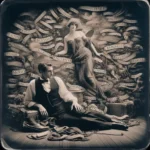


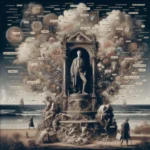





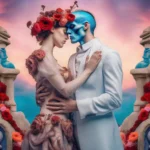


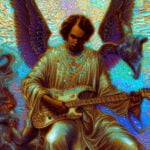













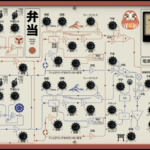
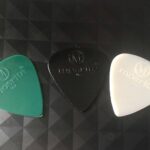





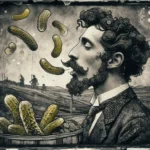






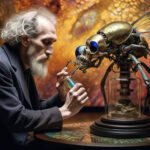

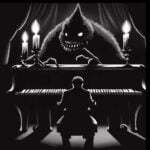



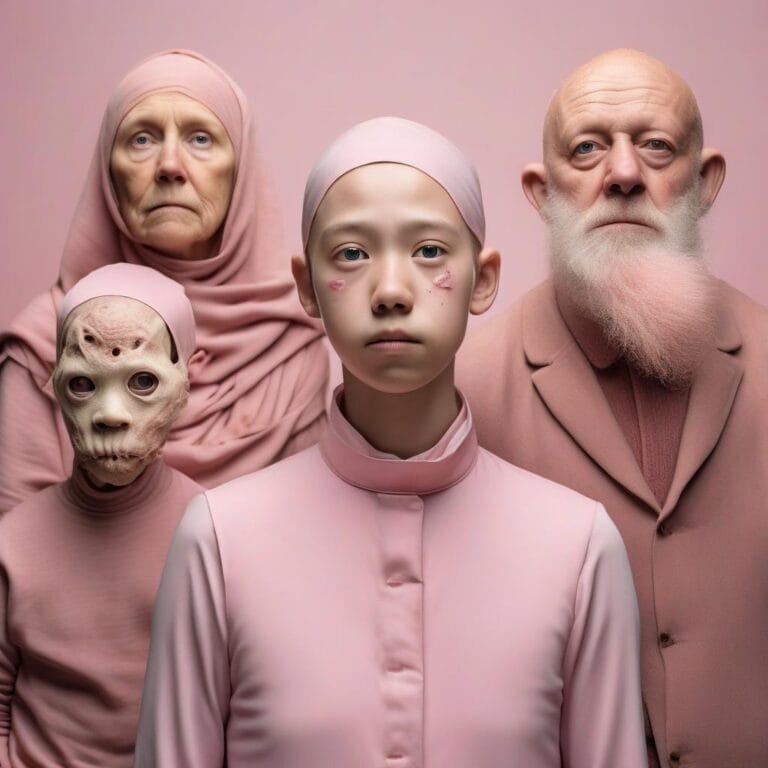
Submission for the Mood Board and Fashion categories of the Wrapped In Pink AI generative art competition, Dec 2024.


Note, Sep. 2024: I want to point something out: I’ve given few references here besides a couple of Google search results I happen to like. This page gives my current understanding. I’m still researching it, and you should research it yourself, don’t take my word as gospel truth. But this is how I understand it right now.
Googling section 174 layoffs will point you to a lot of information.
I’m also going to add some links at the bottom to interesting references to the issue, as I come across them. —Mike
IMPORTANT UPDATE, July 3, 2025: Pending signing of the new tax bill tomorrow, it appears the below information may finally be obsolete. The tax bill passed by Congress today quietly included a provision permanently repealing the below-discussed Section 174 changes. See https://abgi-usa.com/section174/latest-and-greatestUPDATE 2, July 16, 2025: If…

Exqueeze me whilst I sing the tale
of facial hair gone tough as nails.
When short, it chafes, when long it scares!
Crepusculating facial hairs
portend the chafed skin one expects
of consequence in harm direct
of concourse with the roughshod necks
of neck-beards come to wreak their heck!
'Ere I detect, this sullen morn,
a loathsome beastly beard is born,
to aggravate, and for a week,
imperturbate the shaven-cheek'd
and terrorize the newly shorn
with skin smooth as a baby born
and terror in their widening eyes,
as chafes, it does, their inner thighs?
O!
Gentle on a summer's eve,
till facial hairs arrive en-scéne
and, stubbly on a summ'ry day,
abrade a poor girl's thighs away!
Enbarbatating facial growth,
when unwisely left alone,
may force a call to…

These people are lit, yo.
I write down a lot of thoughts on AI but have never gathered it into a cohesive essay or collection. This is the beginning of loosely collecting my thoughts and saved references for that.
Looking around the site, you might get the hint that I'm a big fan of <details class="detailsClassName"><summary>blah blah blah</summary> even more blah blah blah</details> disclosure elements.
For those unfamiliar, that's this:
Here's where a bunch of information goes. Blah Blah Blah Blah Blah Blah Blah Blah Blah Blah Blah Blah Blah Blah Blah Blah Blah Blah Blah Blah Blah Blah Blah Blah Blah Blah Blah Blah Blah Blah Blah Blah Blah Blah Blah Blah Blah Blah Blah Blah Blah Blah Blah Blah Blah Blah Blah
It's true. I am.
But, I have one issue with them: sometimes I feel like they're a little nonintuitive. It's easy to miss them in certain circumstances, or maybe even not to realize they're clickable.
So, I came up with a way to make them show a preview of the contents.
First, you need the following…
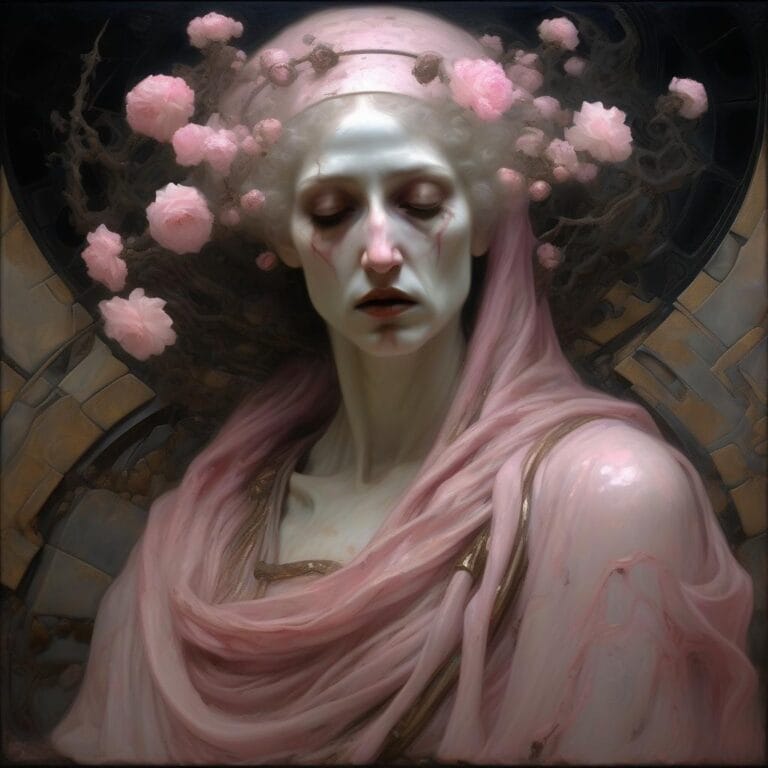
They've been doing this "#WrappedInPink Challenge" generative art meme on LinkedIn. Here's just a preview of studies of some things I've been working on for it. Not entirely sure what direction I'm going to go in yey.
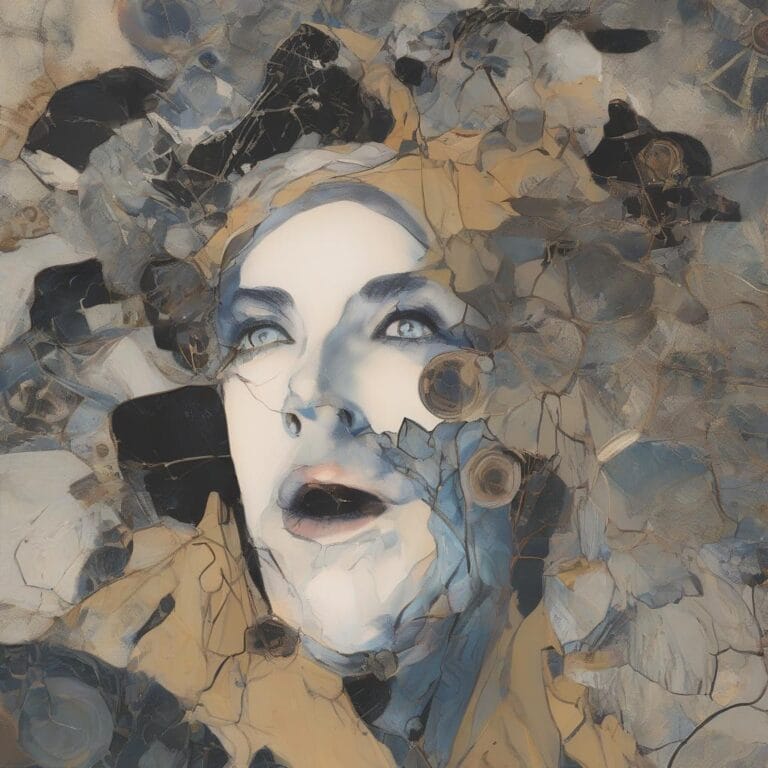
This gallery deals with the unavoidable stereotypes of femininity that one encounters using some current generative art tools ca. 2024.
Being trained on a society's art, there are two possibilities for generative visual art software: it can hold an unflinching mirror up to that society, including reiterating its existing biases; or its creators can seek to consciously tilt the output to favor what they deem to be better choices, which opens the whole project up to accusations, and let's face it, perhaps the reality, of introducing other biases. The unfortunate truth is that at the time, people never thought to question making art that almost exclusively reinforced certain notions (of femininity, or anything else). They did not consider themselves to be biased. So too, despite the most admirable intentions, it's honestly a valid question whether or not current attempts to right historical wrongs are undoing bias,…
This is the list of articles on this site, by the date they were first published, from newest to oldest.
There is also a Feed page, showing all articles in descending order of publication, but in more of a blog format, with article excerpts and greater detail than this list.
A log of all latest site changes & updates, which includes new edits & changes to existing older articles, is available on the Articles By Last Modified Date page.
Originally revealed at https://www.linkedin.com/posts/allisonmarierossi_allisonwith2ls-copycats-plagiarismgoals-activity-7276604068976816129-tV7b?utm_source=share&utm_medium=member_desktop:
Your browser does not support the video tag.

The revolution isn't over.
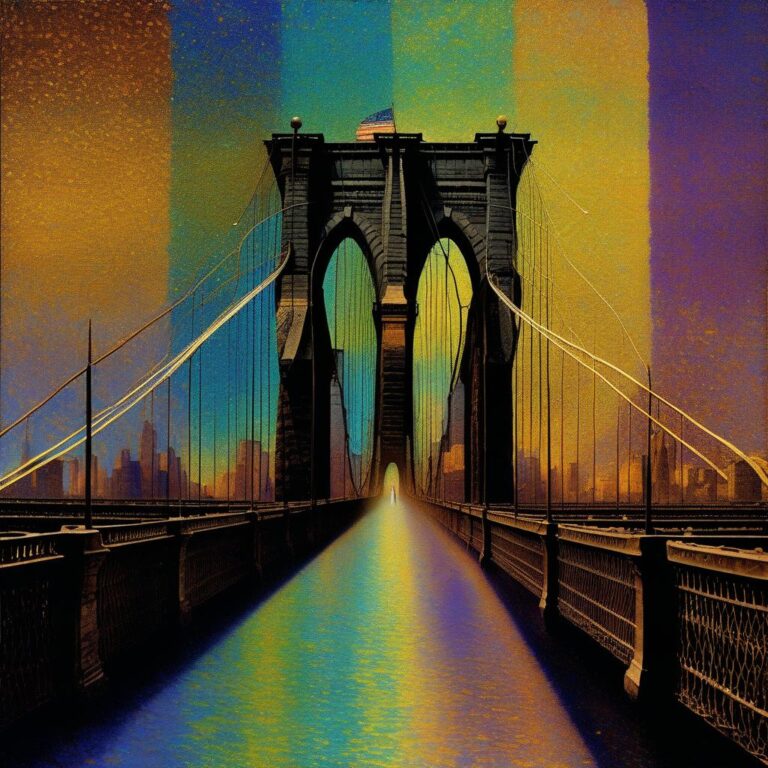
A cousin of mine was helping work on a volume of poetry and asked if I had more images specifically of San Francisco or New York City in the style of “Wild California” Studies — AI Generative Art gallery that they could consider for inclusion. I didn't, but I whipped some up.
I'm pretty fond of how a lot of them turned out, but, as with so many of these projects, I wound up making many that are visually striking but don't really have much artistic value beyond that, and the work remains to be done to winnow down all the striking images to the ones that really are special.
Until then, I'm so fond of them, though, that I thought I'd give a preview. Here's the complete output of those experiments, awaiting the best of it being culled down into the final presentation.
Right now…

Someone on social media asked for AI interpretations of Santa Claus. I couldn't resist such low-hanging fruit.
When, in the course of human events, it becomes necessary to understand why your wordpress site's freaking menus display fine when you're logged in as administrator but are completely broken when you're logged out, it may be useful to be able to easily compile all the CSS for the affected page elements for both the working and nonworking versions, and compare them to see what might be different.
Let me back up. I had a problem the other day where my Wordpress site's caching plugin, which performs various optimizations on my site's code for non-logged-in users, was adding some sort of broken CSS. When I was logged in, everything worked fine, but when not logged in, something changed somewhere in the CSS that caused some of my menus not to display. I had a rough idea of where the changed code must be, but no more than that, and…
This was an old idea I saw on the web 20 or so years ago, and did for myself for a while: the "Flypaper" page, trying to find people you have lost track up by putting their names on a page for them to find if they do a web search for themselves. I had one for a while, too, and I'm going to update it and put it here. For now, this is a placeholder to remind me to do that.
"Prompt in haste, repent at leisure." —Jason Gorman, LinkedIn
"JSON made the web shittier in a way that XML tried and failed." -Tantek Çelik
"This is exactly the sort of scenario where I imagine my waffle delivery drone idea would be helpful." —James's Coffee Blog
"Omnes stulti, et deliberatione non utentes, omnia tentant." —Thomas d'Aquinas, Summa Theologica ("Fools and those who do not think try everything")
"Ergo, omnes stulti Iavascriptum tentant. QED." —Norman Birkett, LinkedIn ("Therefore, all fools try JavaScript. QED.")
"People do not love Slack but rather feel subject to it." —pacifika, Hacker News
"'Open Source is free as in puppies'... Don't adopt it if you're not going to care for it." -Kevin Marks
"“I asked ChatGPT”- ok well I asked the mycelium and it said to plant more trees and to…
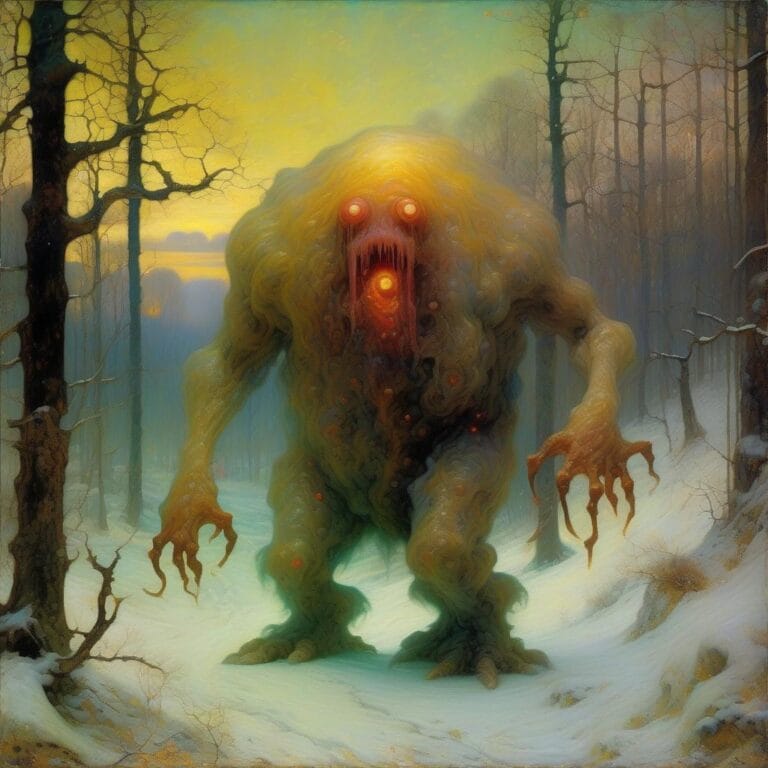
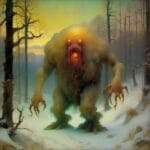
As usual, when doing my gallery for #SaturdayMonsterChallenge — "Winter Monster", there were a ton of images left over that I liked but didn't make the cut, or weren't quite unique enough, or didn't fit the theme. There are those.

Saturday, Dec. 7, 2024’s #SaturdayMonsterChallenge theme on LinkedIn is "Winter Monster". Here's what I did.
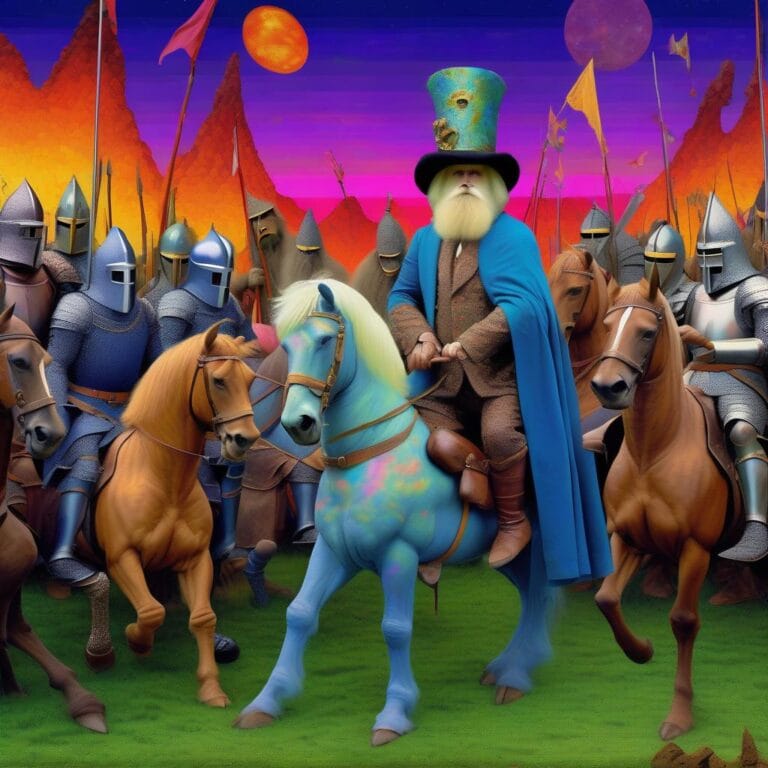
Working on the #SaturdayMonsterChallenge "A Connecticut Sasquatch In King Arthur's Court" I created a lot of extra images that I liked a lot, but which either didn't fit the theme quite right, or were too similar to others, or too different. Here are some of those.

My friend Hellena Banner (from whom I cribbed the title of this gallery, with apologies) was doing a project where she was trying to put Goths in the least Goth-like situation possible. I took up the challenge.

Saturday, Nov. 30, 2024's #SaturdayMonsterChallenge theme on LinkedIn is "Time Travelling Monsters".
Here's my interpretation: "A Connecticut Sasquatch In King Arthur's Court".
This site has no dang page at this URL.
img {cursor:none;} .si-sidebar-inner >div:first-child {display:none;}.gallery-icon {text-align: center !important;}.dontshow {display: none;}.doshow > img {width: 100% !important;cursor:initial !important;/* last 3 are here in case they end up in noncritical style by accident*/}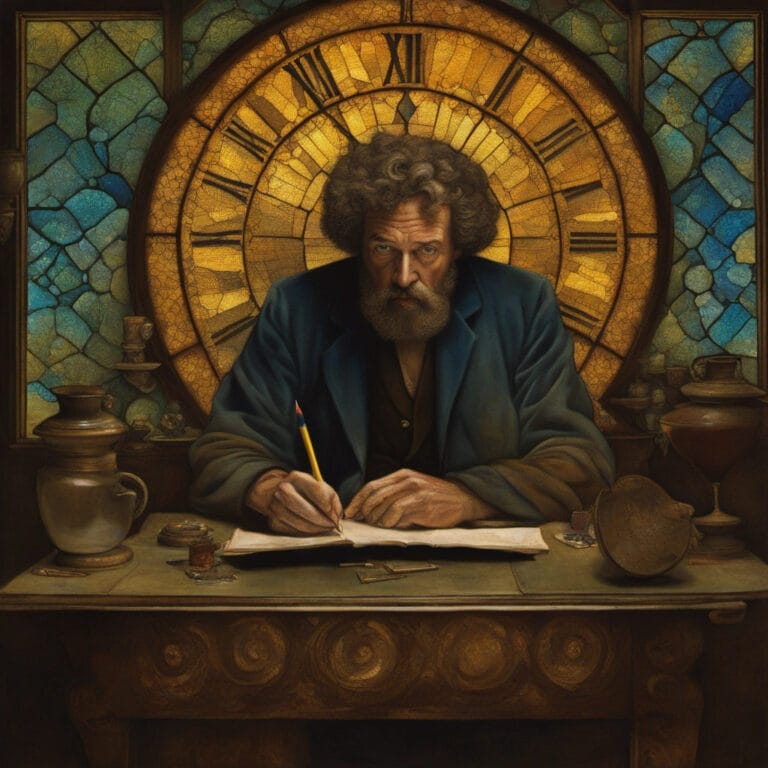
I posted The Contents Of The Rest Of The World’s Dream Do Not Concern Me (or, Why I Didn’t Turn 40) and Day Nights at around the same time, and in making the featured images, used Stable Diffusion XL to create a bunch of images that I'm kind of fond of, all around the themes of time and calendars. Here's the leftovers.

One of the fun non-work-related things that happens on LinkedIn is the "Saturday Monster Challenge", a fun AI art meme where every Saturday this one guy picks a monster-related theme and people make generative art monster images about it. Today, as I write this, the theme was "Mustache Monsters", for "Movember", a global campaign where men grow mustaches to raise awareness of men's health issues.
It seemed like fun. I of course, couldn't stop with just one.
This is a mirror, for navigation convenience, of the /Changes slashpage, which lists all recent changes to any content on this site, including new edits and updates to old articles.
A list of just the most recently created, brand new articles is available on the Newest Articles page, or in the column on the right-hand side of any page, under the heading "Newest Articles...".
I had a lot of fun making the featured image for the article "Resurrecting the <BLINK> tag". Here's some of the also-rans.


For confused first-time visitors and other people still acclimating, here is a description of these little tabs to the left, as well as some other features of the site.
Open "Expert Mode" CLI Navigation - this give you the option to switch your browser's display to an old-fashioned terminal mode where you may browse this site, view pages and images by typing text commands. Just like how we used to browse the web back in 1978!
Open Visual Settings - This gives you controls to customize the visual display of this website to your liking: turn up or down the brightness, contrast, color temperature, hue, saturation, dark mode, and earthquake. Settings are saved per browser tab, so they will be remembered for your whole visit.
Open My Eyes - Have you ever been engrossed in your work, when you suddenly realize someone is staring at your screen, watching everything you do over your shoulder? If not, this simulates the experience.
Open Help - This help popup, silly! You just clicked it! Do you not remember?
New - Draggable elements! Several elements on this website, including these tabs, this popup message, and the "Hire Mike" badge in the lower right, can be dragged around with your mouse, to avoid them blocking content. Positions are remembered per tab, so as you navigate around the site, they will stay in the same place for your whole visit.
Enjoy!
Are you sure you want to switch to viewing this website in the "expert mode" command-line interface?
This will switch to a terminal emulator, load this page, and allow you to browse this website and view its contents by typing text commands.
Plus there might be, y'know, some fun stuff hidden in there. Just for geeks.