Back in the bad old days, there was an HTML tag called <blink>. It did , which everybody , and everybody's web pages looked like this:



An interesting bit of history, courtesy of Lou Montulli, early Mozilla engineer and author of the Lynx web browser which was the granddaddy of them all, explaining the origin of the <blink> tag's presence in the first version of Netscape: "We were drunk.".
This tag was the first thing I can recall ever being removed from HTML, the language used to code web pages.
So as a rare expression of frustration and contrarianism, I have , coding it using modern standards so you can now once again throw <blink> tags around whatever you want to annoy your users.
It's pretty simple. All you have to do is add this to your page's CSS:
/* Define the blink animation */
@keyframes blink {
  50% {
    opacity: 0;
  }
}

/* Apply the animation to the blink element */
blink {
  display: inline-block;
  animation: blink 1s step-end infinite;
}
This CSS will:
- Create a keyframe animation that toggles opacity
- Apply it to any
<blink>elements - Use step-end timing function to create the sharp on/off effect like the original
- Repeat infinitely with a 1-second duration
You can use it like this:
<blink>This text will blink</blink>
Here's that code in action:
If you prefer to use a class instead of the <blink> element (which is more semantic, and thereby defeats the purpose of being maximally backwards and inefficient), you instead use:
@keyframes blink {
  50% {
    opacity: 0;
  }
}

.blink {
  display: inline-block;
  animation: blink 1s step-end infinite;
}
Then use it as: <span class="blink">This text will blink</span>
Here's that unnecessarily modern and correct usage in action: This text will blink
Important note for web performance geeks: Using a CSS animation anywhere within an element with CSS transforms on it, or which has a CSS filter on it, can make the animation noncompositable, which causes Pagespeed (and Chrome Dev Tools performance tab) CLS scores to get really bad, and nothing will tell you what the real problem is. It'll tell you the animation isn't compositable, even though it only uses opacity, which is compositable, leading potentially to funny (read: annoying) arguments with AI. CSS is funny that way.
Go forth and blind your users! Or, as an ancient internet curse put it:
May your tags in eternity!
I hope you enjoyed this tutorial!

Bonus: alternate featured images gallery
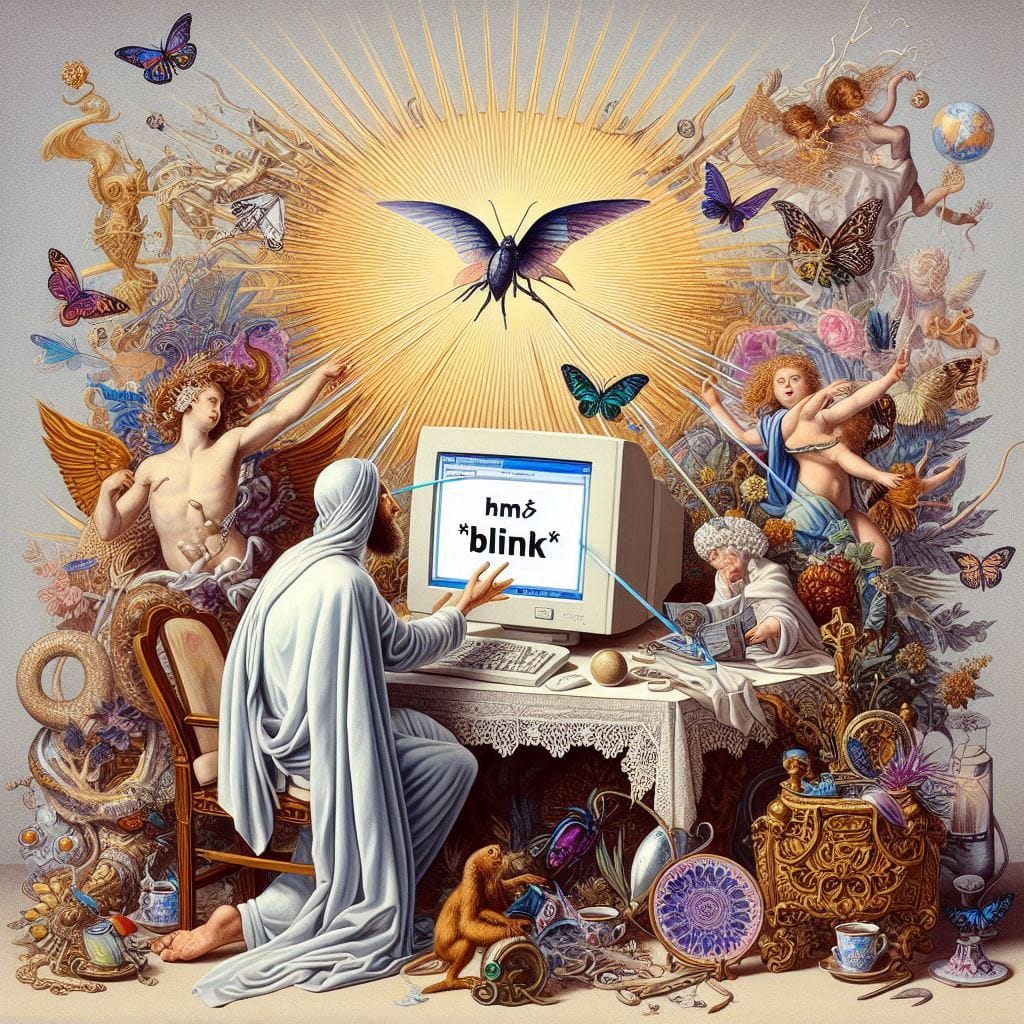
I had a lot of fun making the featured image for the article "Resurrecting the <BLINK> tag". Here's some of the also-rans.
Generative ("AI") art copyright info
Under current US copyright law, unaltered generative or AI-assisted images are not copyrightable. However, all generative art content on this site has been subjected to a subsequent creative process of manual human edits and alterations, bringing them back into the realm of human authorship. All original content on this site, including AI-assisted images, is ©2024 Michael Kupietz.